Igor
-
Posts
14699 -
Joined
-
Last visited
Content Type
Forums
Store
Crowdfunding
Applications
Events
Raffles
Community Map
Everything posted by Igor
-

How you can help test upcoming Armbian 26.05 images?
Igor replied to Igor's topic in Advanced users - Development
Tested: - Odroid C4 / HC4 - Tinkerboard - Odroid XU4 - Rockpi E -
How you can help test upcoming Armbian 26.05 images?
Igor replied to Igor's topic in Advanced users - Development
All moved. -
How you can help test upcoming Armbian 26.05 images?
Igor replied to Igor's topic in Advanced users - Development
Neither we do full hardware validation. That is only done in military grade software support and this is community open source development Thank you for your input. We don't have much time so in case we don't find a fix in <1h, broken images will be removed. Which is already a good added value. It is interesting that Gnome works and KDE don't. I did several tests on x86 platform and KDE always worked ... But I think we need to be realistic and happy if one desktop works solid. -
1. At this stage you should be extremly happy if it generally works trouble free. 2. Yes.
-
How you can help test upcoming Armbian 26.05 images?
Igor replied to Igor's topic in Advanced users - Development
Armbian 26.05 Test images: https://fi.mirror.armbian.de/incoming/igorpecovnik/ Tested by me: - x86 and arm64 UEFI images - Odroid M1 - Radxa 5T https://paste.armbian.com/jizuhuweru - Inovato Quadra - RPi 400 - Musepipro - Orangepi 5 Plus (vendor BROKEN, wrong DT) - Odroid N2 https://paste.armbian.com/ipoyatajuj - Nanopi M4V2 https://paste.armbian.com/rewiqijizi - Nanopi R4S https://paste.armbian.com/sesemehohi - NanoPC T6 LTS / plus https://paste.armbian.com/cupifefofe - Nanopi R6S/C https://paste.armbian.com/igesulided .. -
Armbian with preinstalled Home Assistant supervised
Igor replied to Igor's topic in Software, Applications, Userspace
Ask AI to fix problems at repo level: https://github.com/armbian/supervised-installer so we can all benefit. I don't have capacity to maintain this alone. -
Armbian with preinstalled Home Assistant supervised
Igor replied to Igor's topic in Software, Applications, Userspace
Me neither. This is my primary intention, just currently overwhelmed with things. I did some changes on top on official: https://github.com/armbian/supervised-installer -
Armbian with preinstalled Home Assistant supervised
Igor replied to Igor's topic in Software, Applications, Userspace
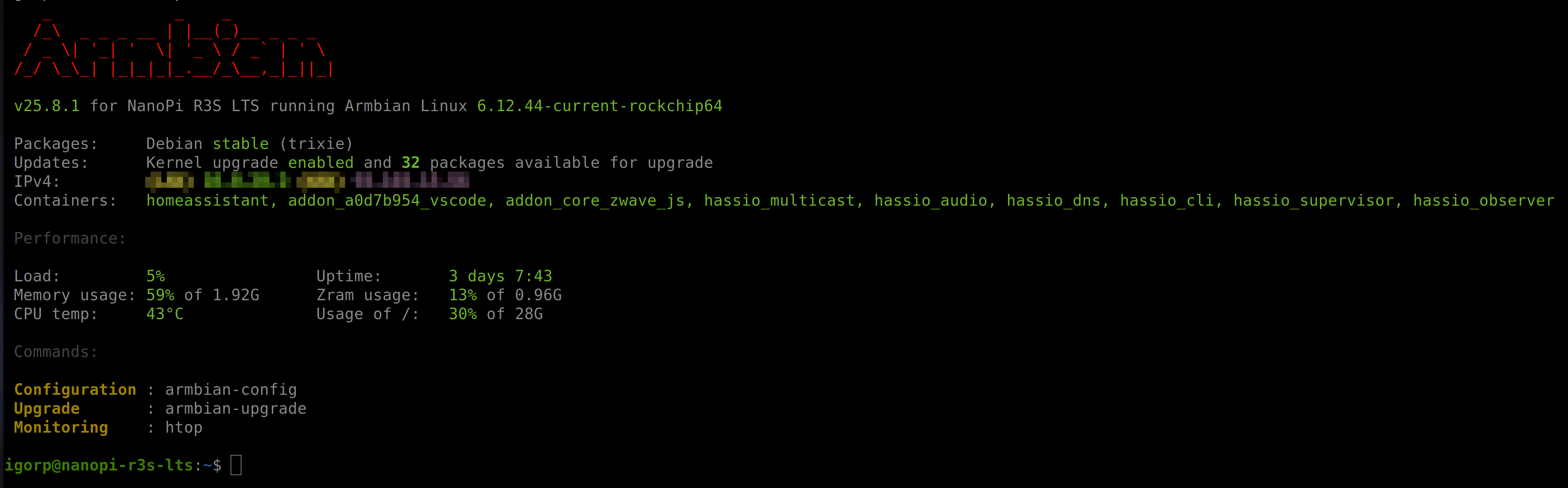
I am running mine on Trixie, installed about a year ago. Then it worked ... Core is running inside Docker container so functionality should be O.K., but we might currently have some problem ... I will look into this when I am about to reinstall my setup, but I plan to add Docker install only, which should work well, but it has certain limitations.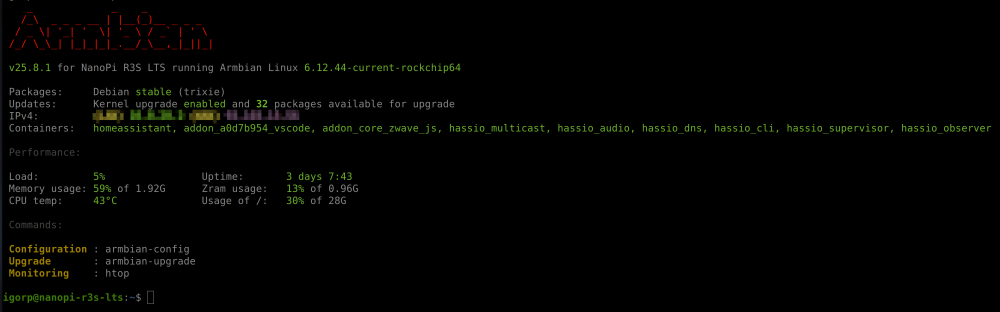
-
There has been several improvements that hasn't landed to stable images yet - try rolling releases for this board.
-
On it. Coming soon.
-
We understand the concern, and we appreciate the effort put into testing and documenting the issue. At the same time, it is important to understand the realities of the embedded Linux ecosystem. Armbian supports a very large combination of SoCs, vendor kernels, boot chains, and downstream modifications across several hundred boards. Security response and validation in this environment is significantly more complex than in standardized desktop/server distributions. Explained here: https://github.com/armbian/build/issues/6937#issuecomment-4366571379 This is not a matter of ignoring the issue, but of limited engineering resources, kernel fragmentation, and the high cost of validating fixes safely across multiple platforms. Project can only finance security from your contributions https://github.com/sponsors/armbian volonteers or sponsors. Until none is taking this seriously, there is little what existing team members can do. We already attempted mitigation work on one of the most widely used kernel branches: https://github.com/armbian/linux-rockchip/pull/475 but even targeted fixes require substantial testing effort and may (i am sure it will) introduce regressions on affected hardware families. Current resources barely sustain even our regular release and maintenance process: https://docs.armbian.com/Process_Release-Model/ For users who need receiving upstream fixes faster and are willing to accept a higher risk of regressions on hardware feature breakage, there is always an option to switch to rolling/daily builds, where fix may already be available: https://docs.armbian.com/User-Guide_Armbian-Config/System/#rolling Tradeoff between stability, validation cost, hardware compatibility, and update speed is unfortunately a sad reality of embedded Linux maintenance.
-
Just a small note here - I recently added Bianbu desktop (can be installed from armbian-config), where acceleration works on K1 based Musebook (legacy kernel). This should be possible to adopt to any other K1 board. Youtube video works fine in Chromium ...
-
For Ubuntu Resolute desktops you need to build from this branch: https://github.com/armbian/build/pull/9683 It is a matter of days when this will be merged. You can speed this process by reviewing the code. P.S. We lack 1-2 beefy arm64 servers or 30-40k $ and unknown $ for storage space as we would need to upgrade from free storage which is limited to 1000 artifacts in order to provide more build combinations. We are far away ...
-
You need to provide more informations. I wasn't able to repreoduce. I works here.
-
What you’re seeing is open-source maintenance in practice. It’s not centrally orchestrated. We only manage to do this for some key features while DVB support is present in some kernels, but it’s not guaranteed to be consistently enabled across all targets unless someone explicitly maintains this functionality. -> https://github.com/armbian/build/pulls
-
https://docs.armbian.com/User-Guide_Armbian-Config/System/#desktop Should be straighforward to enable desktop on top of CLI.
-
We have information on which mirrors are good and which bad. We just don't display it. Good are passed to the redirector.
-
How to install correct linux-headers?
Igor replied to Stanislav Chizhik's topic in Software, Applications, Userspace
Community images are tied to daily beta repo where it should always be a match kernel - headers. Just make sure you have a clean updated system then proceeding to header installation via armbian-config. And only if this doesn't work, report so we can look into. -
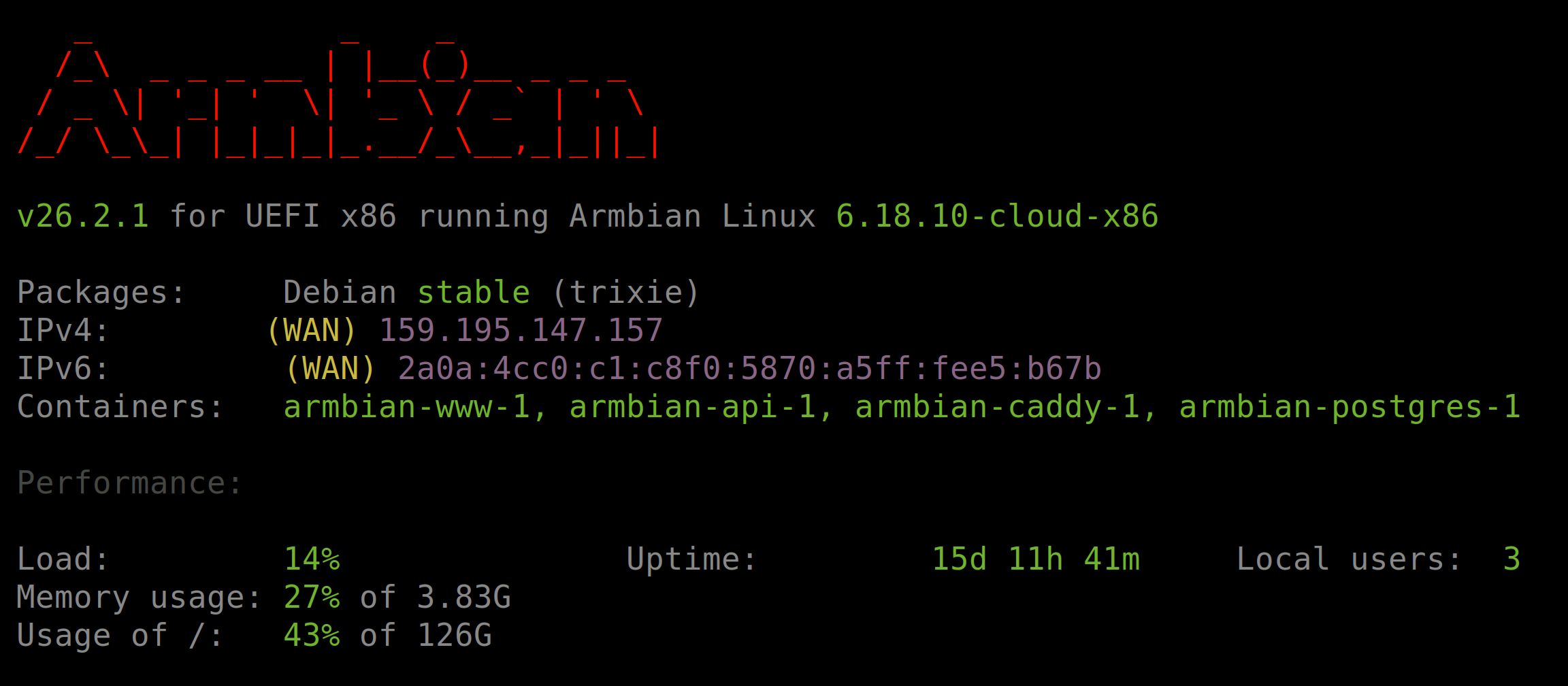
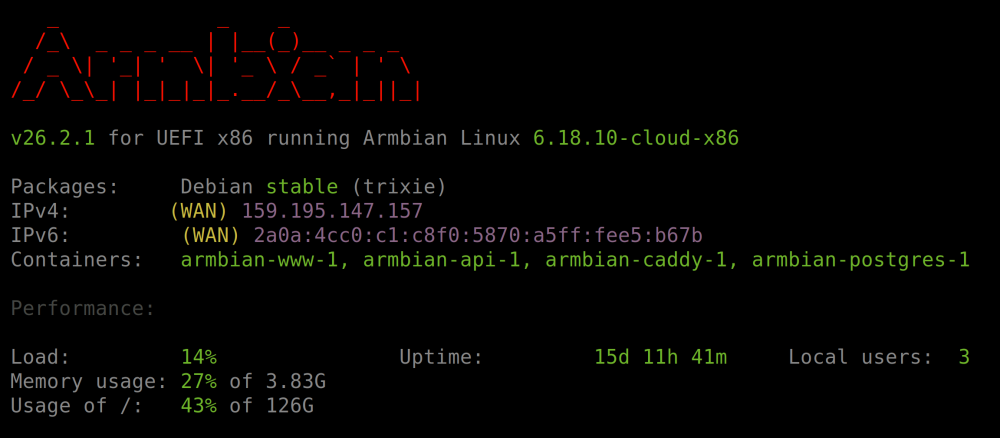
Generic aarch64 or x86 image has all needed support for most comon virtual environments. On a side we provide cloud images, optimized to run inside KVM / QEMU virtualized environment - super lean kernel. https://armbian.com/boards/uefi-arm64 https://armbian.com/boards/uefi-x86 Look for cloud kernel images. Here it can only be a problem if host (Orangepi) supports qemu or not. I don't run it here but I think it must just work. There won't be any difference compared to standard Debian / Ubuntu. Armbian is more polished in general, comes with several important improvements. Securing support for virtual targets is relatively easy compared to any custom hardware. And this was done long time ago. We use Armbian UEFI and QCOW2 virtual images to drive our infrastructur and also automated testing, but of course we target KVM / Quemu not Virtualbox. Which anyway can run normal image. Our runners and cloud services mainly run Armbian Noble cloud. Our website (dual core x86 vps): www:/boot:% du -h vmlinuz-6.18.10-cloud-x86 15M vmlinuz-6.18.10-cloud-x86 + 17M for modules (normal image has 150-200M for modules, for things you never need in virtualized environment) Yep, that's the best path for this use case.
-
The microphone (on Android) does not work after installing Armbian?
Igor replied to KAHrel's topic in Orange Pi 5 Plus
When SPI is erased, the board falls back to the bootloader on the SD card. If you want to run Armbian, or Linux in general, the bootloader often needs to be updated - in this case on SPI. This can be done with armbian-install. Android support is not verified and is outside the scope of Linux maintainers. It may continue to work, or it may break. -
This likely means the I2S overlay doesn’t exist yet. Someone would need to implement it and add it upstream (or just here to Armbian build framework). You can try enabling it manually via the Device Tree editor: https://docs.armbian.com/User-Guide_Armbian-Config/System/#device-tree-editor No guarantees it will work — hardware descriptions are often incomplete or inaccurate, and that’s outside our control.
-
If someone is eager to add sway - we have a new cleaner way to add and maintain (unit tests, AI auto maintain) new desktop: https://docs.armbian.com/Developer-Guide_Desktops/
-
https://actions.armbian.com/?repo=armbian.github.io Here anyone can monitor ... but the real problem is capacity to fix problems. Not knowning them. We have too many problems on the to do list It is not O.K., but also not a critical problem. This script is making a cache for this package which is needed in critical operations. Where it can't fail. This is why this was made in 1st place. We can't rely on upstream infrastructure.
-
Hardware video acceleration with recent armbian/mainline kernel (Kodi)
Igor replied to XXXBold's topic in Orange Pi 5
Gnome (wayland) desktop with kernel 6.18.y Probably this way? apt install mpv mpv --hwdec=auto test.mkv (+) Video --vid=1 (*) (hevc 1920x816 25.000fps) (+) Audio --aid=1 --alang=mul (*) (aac 2ch 48000Hz) AO: [alsa] 48000Hz stereo 2ch float VO: [gpu] 1920x816 yuv420p But something is still missing ... not hw accelerated. Sorry, not an expert here. I am happy when Chromium says it. -
Hardware video acceleration with recent armbian/mainline kernel (Kodi)
Igor replied to XXXBold's topic in Orange Pi 5
On vendor kernel you need to enable overlay https://github.com/armbian/build/blob/main/extensions/mesa-vpu.sh#L18-L28 mainline based gnome desktop + apt install kodi (just tested 4k/H264 video works without any problems)