
Everything posted by Igor
-
Some users may experience issues when downloading new v23.11 images from our website or also sometimes with apt not having the new packages. The reason is that we had a (not so) small whoopsie at the very last minute and the infra is still recovering and syncing. Easiest workaround would be to simply try multiple times until the redirector hits a mirror that has the files you want to download. Alternatively go directly to https://fi.mirror.armbian.de/ which (seems to) have all the files atm. Will work with apt as well.
-
This week's meeting topics: - Check remaining Jira tickets https://www.armbian.com/participate/ - Review issues https://github.com/armbian/build/issues - Review pull requests https://github.com/armbian/build/pulls The general goal of weekly meetings: - To discuss the three (3) issues of the week - Discussions will be documented to respective Jira tickets so they can be tracked - Three (3) new issues will be selected from Jira for the next meeting A weekly developers' meeting aims to coordinate the development of the build engine, continuous integration, operating system features, and low-level support. Meetings are hosted on Jitsi (Video), IRC, and Discord (Text). While we would prefer you attend on Jitsi when possible, we will also monitor text chat during the call for those unable to join Jitsi. Please RSVP either way. Do you want to participate or help in some way? Meetings are focused on developers' top-level topics, and it's expected that they understand embedded software development, software testing, or operating system management. Knowledge of at least BASH & Python is expected in terms of programming languages. Since meetings are held in public, any registered community member can join and listen. If you want to suggest issues for the next week, you have to be recognized Armbian contributor. If you want to become one, resolve at least one intermediate-level issue and tell us something about yourself. This is needed to communicate efficiently and to give you access to our organization infrastructure Jira, Github, hardware lab, and servers. @Contributor/Maintainer
-
-
-
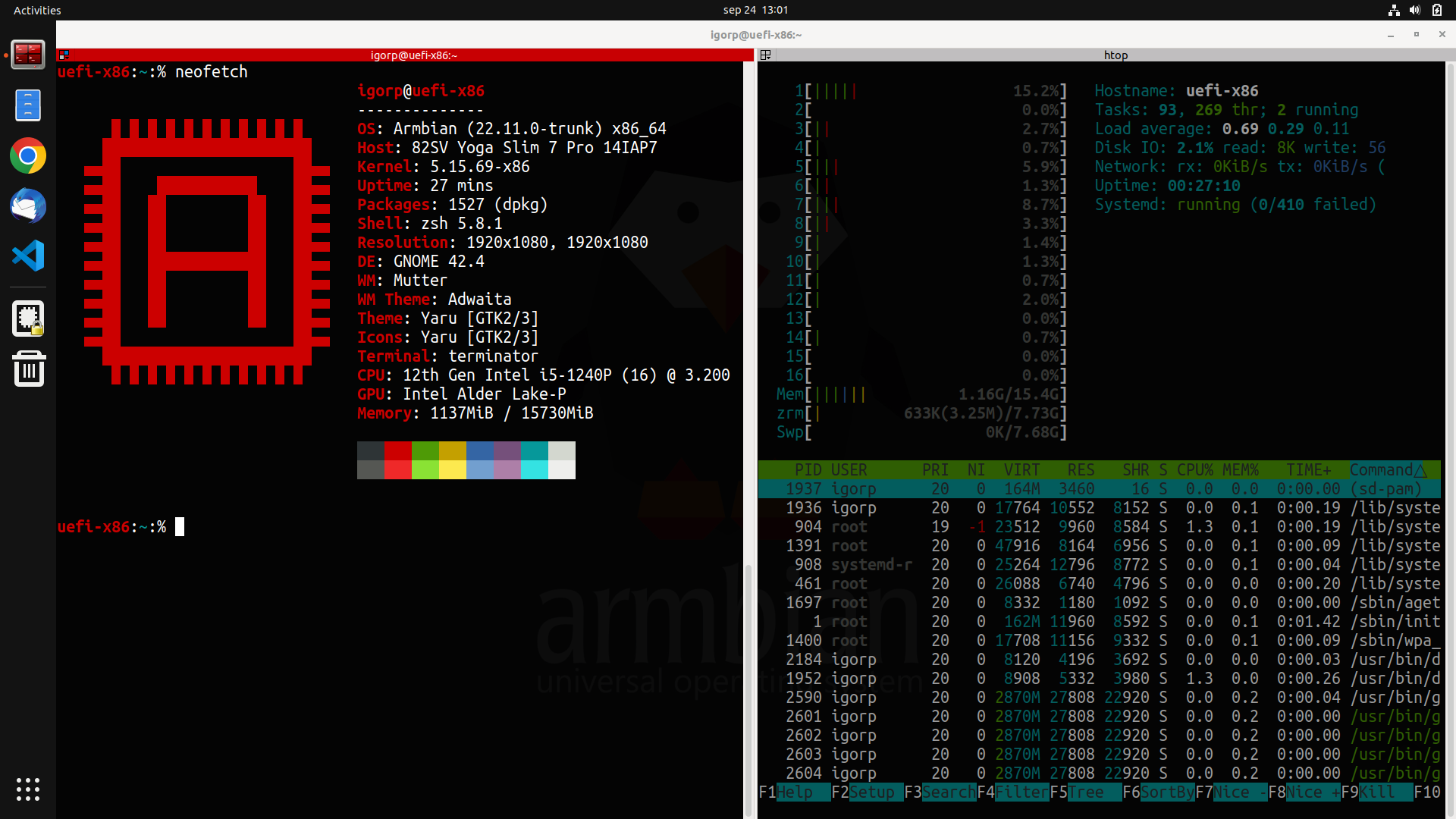
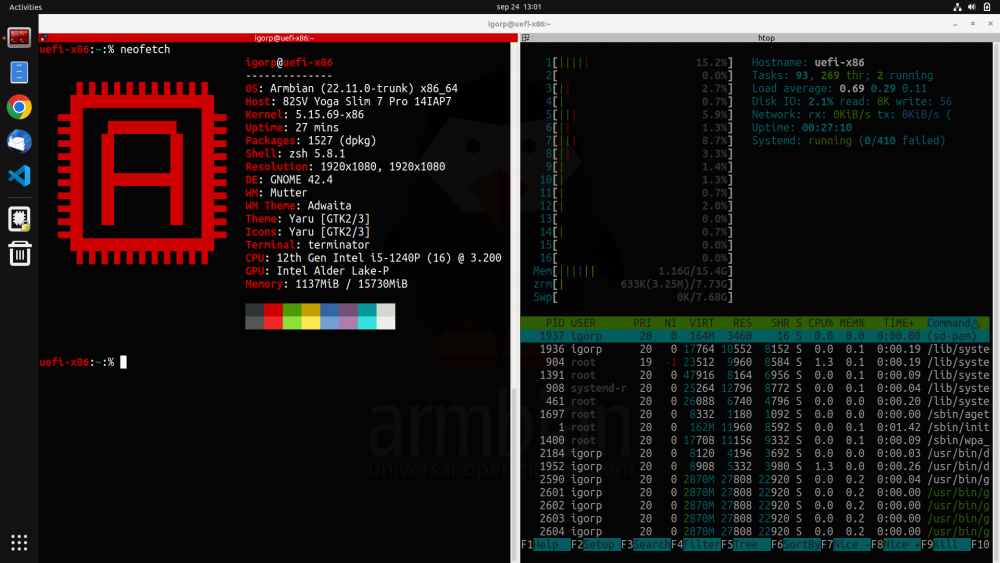
Many of us are using Armbian not just on ARM single board computers but also on servers (bare metal & virtual). We use our builds since we trust it more then Debian, Ubuntu, not to mention other distributions that are recklessly updating and one ends up as an OS tester and not OS user. Personally I use Armbian Jammy on Ryzen 9 workstation with great success. My primary use case is development / productivity. For the road I used to have 13" Dell notebook which recently suddenly died. It was out of warranty so I had to get something new. After some testings of various devices I settled with 12th Gen Intel i5-1240P powered Lenovo. Then I tried many general purpose distros to see how well they work and all had some (minor) troubles ... We are having UEFI images (common image) since some time, but UEFI nor desktops were fine tuned nor ready for such performance daily driver desktop usage. We were close, but not close enough to just run it. Past two weeks we have been lifting general UEFI support, fixed many bugs and what came out is "Armbian ultimate developers desktop build". - improved support in GRUB (armbian wallpaper) & HiDPI GRUB support - all preinstalled applications are normal apt packages - current 5.15.y kernel, Jammy userland (5.19.y has some strange issues) - snapd is not installed (user can install it) - HiDPI support (automated adjustments on big screen resolutions) - NVIDIA graphics acceleration with proprietary driver (x86 only) - Intel graphics acceleration also works out of the box - preinstalled Google Chrome (x86 only) - preinstalled Microsoft Visual Studio Code (x86 only) - ZFS 2.1.5 ready (apt install zfsutils-linux zfs-dkms) - face unlock works perfectly fine on this laptop - installation to SSD drive to dual boot with Windows 10/11 is supported Armbian classical way by transferring actual live image to the prepared partition via nand-sata-install. All you need to do is prepare spare space on your drive, Windows 10/11 or Linux, UEFI support (most if not all hardware for past 10 years has it). I have tweaked images (XFCE, Gnome, Cinnamon) a bit to my personal needs, but making changes is welcome. Nice to have: disk encryption within nand-sata-install, small bug fixing, additional DEs. Currently we have CLI, XFCE, Gnome and Cinnamon. Others are too buggy. https://www.armbian.com/uefi-x86/ https://www.armbian.com/uefi-arm64/ Please report where it works and how (well)!
-
-
If you are running Armbian desktop and you like to use Visual Studio Code, open a terminal and run: sudo apt update sudo apt install code
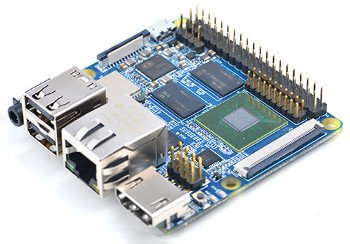
 [WIP] Schematics Pros: - board vendor provides dev samples and documentation - working with latest mainline kernel - many variants by the same vendor - official SDK/BSP currently on 4.4 - no unreliable shitty Micro USB for DC-IN but GPIO by default Cons: - new platform needing more initial work - not many active developers
 Preparation Supported build environment is Ubuntu Focal 20.04 x64 (minimal iso image). a guest inside a VirtualBox or other virtualization software, a guest managed by Vagrant . This uses Virtualbox (as above) but does so in an easily repeatable way. Please check the Armbian with Vagrant README for a quick start HOWTO, inside a Docker , systemd-nspawn or other container environments (example), running natively on a dedicated PC or a server (not recommended), 20GB disk space or more and 2GB RAM or more available for the VM, container or native OS, superuser rights (configured sudo or root access). Execution apt-get -y install git git clone https://github.com/armbian/build cd build ./compile.sh This will download all necessary sources, execute compilation and/or build a boot-able image. Most of things will be cached so next run will be extremely faster! Real time examples: Documentation