Igor
-
Posts
14710 -
Joined
-
Last visited
Content Type
Forums
Store
Crowdfunding
Applications
Events
Raffles
Community Map
Everything posted by Igor
-

nanopi-r4s, enp1s0 ethernet device not found after reboot
Igor replied to Junkman's topic in NanoPi R4S
Nope, build is passing: There is nothing wrong with Armbian or its build framework. The problem is lack of general understanding how expensive is keeping this cheap hardware working with constantly moving kernel. https://docs.armbian.com/User-Guide_FAQ/#why-does-hardware-feature-xy-work-in-old-kernel-but-not-in-more-recent-one This is open source. Nobody prevents anyone to research and fix the problem. -
We have skipped today's meeting.
-
We forgot on you guys down there Good catch! Also good task for those who complain they are not contribution as they are not software developers. https://armbian.atlassian.net/browse/AR-1933
-
If you don't use GitHub tools: sudo rm /etc/apt/sources.list.d/githubcli.list sudo apt update sudo apt upgrade
-
Welcome to Armbian community support. Probably you are right. You don't expect from a few Armbian maintainers to fix problems for all other (competitive wanna be) distributions? At least Dietpi is directly competing with Armbian OS and without a shame making up they are better Debian and Armbian ... Average Joe can't see their sales BS which is contributing nothing to stability or overall experience - which is the value people seeks. Their usual support response on real problems: "Oh, this is kernel problem. Armbian/* developers must(!) fix that". Really? We can't fix this for our users, but we must for theirs. Sick. All replies after initial post are pretty much useless pressure making. Its against forum rules and you don't talk to open source developers this way. They are totally overloaded without this and can only turn you down? See? You feel nice about copy cats that lies "we are not responsible, they are", bad about us. This is how open source piracy works. Fixing problems is expensive. Very expensive. They, including people that sold you hardware, are equally responsible or not responsible. This year we invested lets say 10.000 hours into R&D, bug fixing, they invested 10m for fixing banal common problem. Armbian core interest is maintaining build framework https://github.com/armbian/build Download it, try it and try to use it to fix the problem you have with this hardware. When you do, make a contribution to code we ship, or directly to kernel.org You don't know how to code, but you would like our help? Check https://forum.armbian.com/staffapplications/ and start contributing daily to open source project. One full time general purpose person can have significant impact on resolving problems. In span of 5 years, months can be saved, perhaps a year. Just for sorting out labeling colors, which are still not in best order, https://github.com/armbian/build/pull/5916 I spent more then a day. I am sure this is a task anyone could do. There are tons of non hardcore development related tasks that developers are dealing with in order that this project operates and that we have fun. No fun? If there is not fun ... there is source. Dig in and fix a problem. In open source, this is your problem anyway. Currently we are struggle with those issues: https://www.armbian.com/participate/ This one was not even recorded yet as we don't have people and hiring is still not possible. Closing this topic down. Armbian provides best effort support. Nothing more to add here. If / when solution is found, its continued here https://github.com/armbian/build/pulls
-
"The worst-case scenario is that you give the maintainers an opportunity to reconsider if continuing to work on the open source project is worth it." https://minimaxir.com/2023/11/open-source-dead-github/
-
Tells absolutely nothing. This does. BTW. Welcome to Armbian community / support.
-
https://us06web.zoom.us/rec/share/2DAkFPOHf2H0SWr8XWi69DUqTSAcPVEEEJ83O2RVuk-At1fXnEpaAtIfeB8_yydt.99OHO2CS-yOsq_uy
-
Check if this helps here too
-
You mean generally? On all config files https://github.com/armbian/build/tree/main/config/kernel CONFIG_DRM_BOCHS=m CONFIG_DRM_CIRRUS_QEMU=m CONFIG_DRM_GM12U320=m -CONFIG_DRM_SIMPLEDRM=m +# CONFIG_DRM_SIMPLEDRM is not set CONFIG_TINYDRM_HX8357D=m CONFIG_TINYDRM_ILI9225=m CONFIG_TINYDRM_ILI9341=m BTW. If we want to block module per board: https://github.com/armbian/build/blob/main/config/boards/rk3318-box.tvb#L8 This automatically creates blacklist file ...
-
Armbian-specific software can't be upgraded in Ukraine
Igor replied to Araki's topic in Software, Applications, Userspace
Changing to Ukrainian mirror manually https://github.com/armbian/mirror /etc/apt/sources.list.d/armbian.list https://fastmirror.pp.ua/armbian/ -
Use Gnome. I think it doesn't work with Cinnamon.
-
How to use "Fast and Safe Updates"
Igor replied to Dandaman46's topic in Software, Applications, Userspace
We refactored updating procedures, repository management, download infrastructure. This mainly impacted to the beta repository, but we (can) also copy certain packages from external / 3rd party repositories. To keep specific package more recent than distribution defaults. This is pushed to both, stable and beta repository, after executed automated test install on affected distributions. https://github.com/armbian/os/wiki/Import-3rd-party-packages tl;dr; apt update and apt upgrade remains in action, but we talked about updating packages directly from a storage we are using for caching (ORAS, currently hosted at GitHub). For now this is just an idea as GH is not the best hosting place speed / capacity wise. This text was perhaps improved too much as it only creates confusion. Applogize. -
Winning a lottery at request? Expecting the impossible? ... Point of forums is asynchronous (days - months) communication and due to the extreme complexity this project is dealing with, such expectation is, sorry to say it, just crazy. Even in most popular / trivial areas. Capacity is limited. Most of people here are seeking for help while debugging and answering to that help require a lot of time, often extreme efforts (in exchange for sorrow, frustration, humiliation, aggression) on the other end. You have a problem, you shared it. That is what this forum is. Then perhaps just wait? Sometimes answer comes next day, sometimes next month, sometimes never. And this is since ever and there is little I can do. If this project would be making millions, I would hire people to support you like Raspberry Pi foundation does ... and still we are looking at much bigger complexity, so having their capacity would not be enough. Developers, those who can understand and look beyond the problem, are not always available. Just here and there. Personally, I am on a road trip and even when I will be back to the office, I am over the top with problems not just for days, but for months. Even I would be very much like to help you, I can't possibly do that in 24h. On the project level, there is no way to secure responsibility that is generally expected. Even we would be properly financed. I hope you understand my pain and frustration as there is not much we can do to improve this forum response rate. Contrary. The more (complex) stuff that will land on the market, hardest will be to respond. Producing new and new hardware is cheap. I can give you proof that its alive, but can't answer to the question, provide solution. I have no idea what is behind the problem, so there is not even a hint I could give you. Except, try older images, record bug to Jira, so those few people that maintains this place, will try to (!) fix this withing upcoming release. Patience & have a nice day. Apologize if being harsh.
-
We are interested for features expansions and improvements. Always Especially if that helps more people. But as we are small and overloaded ... we can only assist best effort way with hints, reviewing the code, ... Those are possibly related tickets that also waits for attention: https://armbian.atlassian.net/browse/AR-1592 https://armbian.atlassian.net/browse/AR-1881 https://armbian.atlassian.net/browse/AR-1900 and might be addressed on the way. We had a wish / dream to refactor this script, but its in fact quite a complex problem due to many different boot scenarios, exceptions, links with build framework. On top of general Linux filesystems complexity such as this.
-
Meeting held, didn't record. It was just @Tearran and me discussing armbian-config related issues. Next week are vacations for many people, so I guess we could just skip it.
-
This week's meeting topics: - Check remaining Jira tickets https://www.armbian.com/participate/ - Review issues https://github.com/armbian/build/issues - Review pull requests https://github.com/armbian/build/pulls The general goal of weekly meetings: - To discuss the three (3) issues of the week - Discussions will be documented to respective Jira tickets so they can be tracked - Three (3) new issues will be selected from Jira for the next meeting A weekly developers' meeting aims to coordinate the development of the build engine, continuous integration, operating system features, and low-level support. Meetings are hosted on Jitsi (Video), IRC, and Discord (Text). While we would prefer you attend on Jitsi when possible, we will also monitor text chat during the call for those unable to join Jitsi. Please RSVP either way. Do you want to participate or help in some way? Meetings are focused on developers' top-level topics, and it's expected that they understand embedded software development, software testing, or operating system management. Knowledge of at least BASH & Python is expected in terms of programming languages. Since meetings are held in public, any registered community member can join and listen. If you want to suggest issues for the next week, you have to be recognized Armbian contributor. If you want to become one, resolve at least one intermediate-level issue and tell us something about yourself. This is needed to communicate efficiently and to give you access to our organization infrastructure Jira, Github, hardware lab, and servers. @Contributor/Maintainer
-

Places: 16
Applicants: 10
Test Automation Engineer is responsible to develop and maintain automated testing infrastructure. Responsibilities: developing scripts in Github actions develop BASH / Pythin scripts to assist support automated testing maintain test framework We value candidates who have some: work experience in software quality assurance understanding of CI / CD based testing embedded hardware technologies experience BASH or Python coding experience What we offer: unique open source community project experiences opportunity to work with an exceptional team of people excellent environment for personal and professional development -
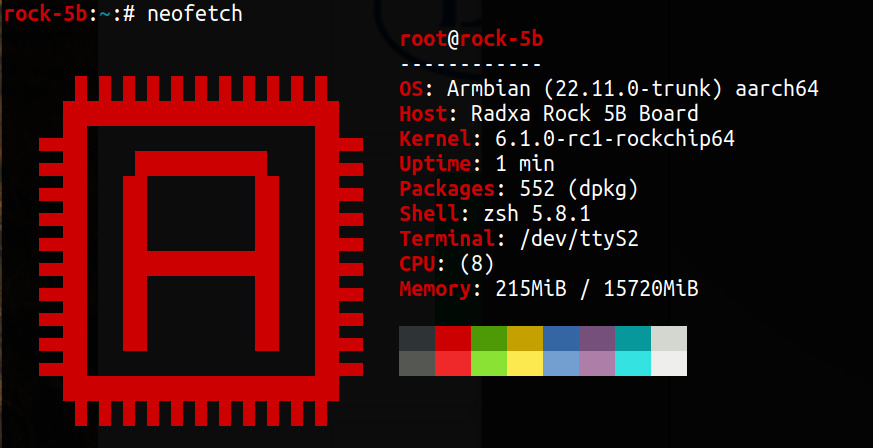
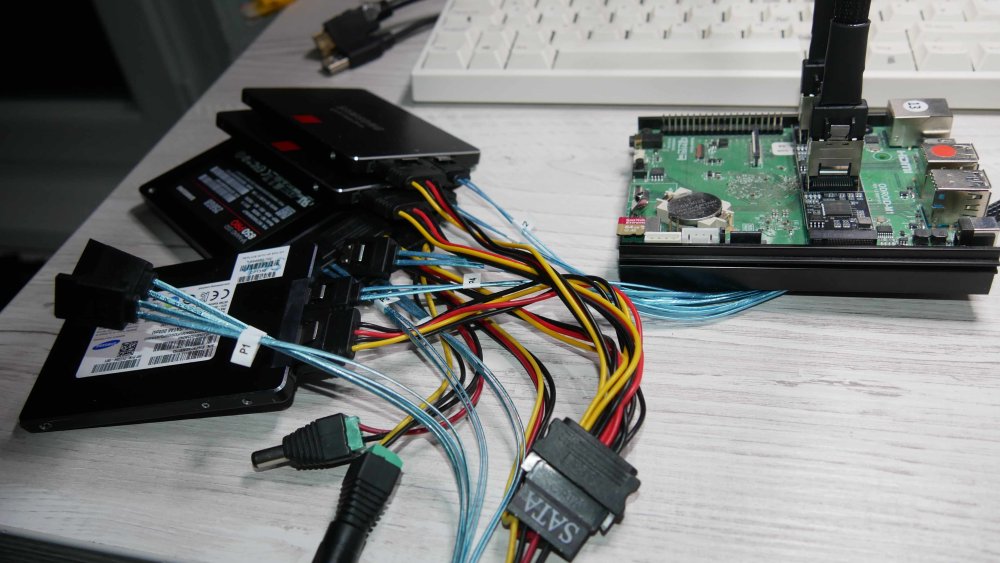
Those are developers preview builds, where you can check what works and at some point it will be good enough for some uses cases. In a couple of years, it will be functional on the level of kernel 5.10.y. Download is possible from CI pipeline: https://github.com/armbian/build/releases Boot log: This board is looking for maintainer(s) and (this) forum moderator (contact @Werner).
-
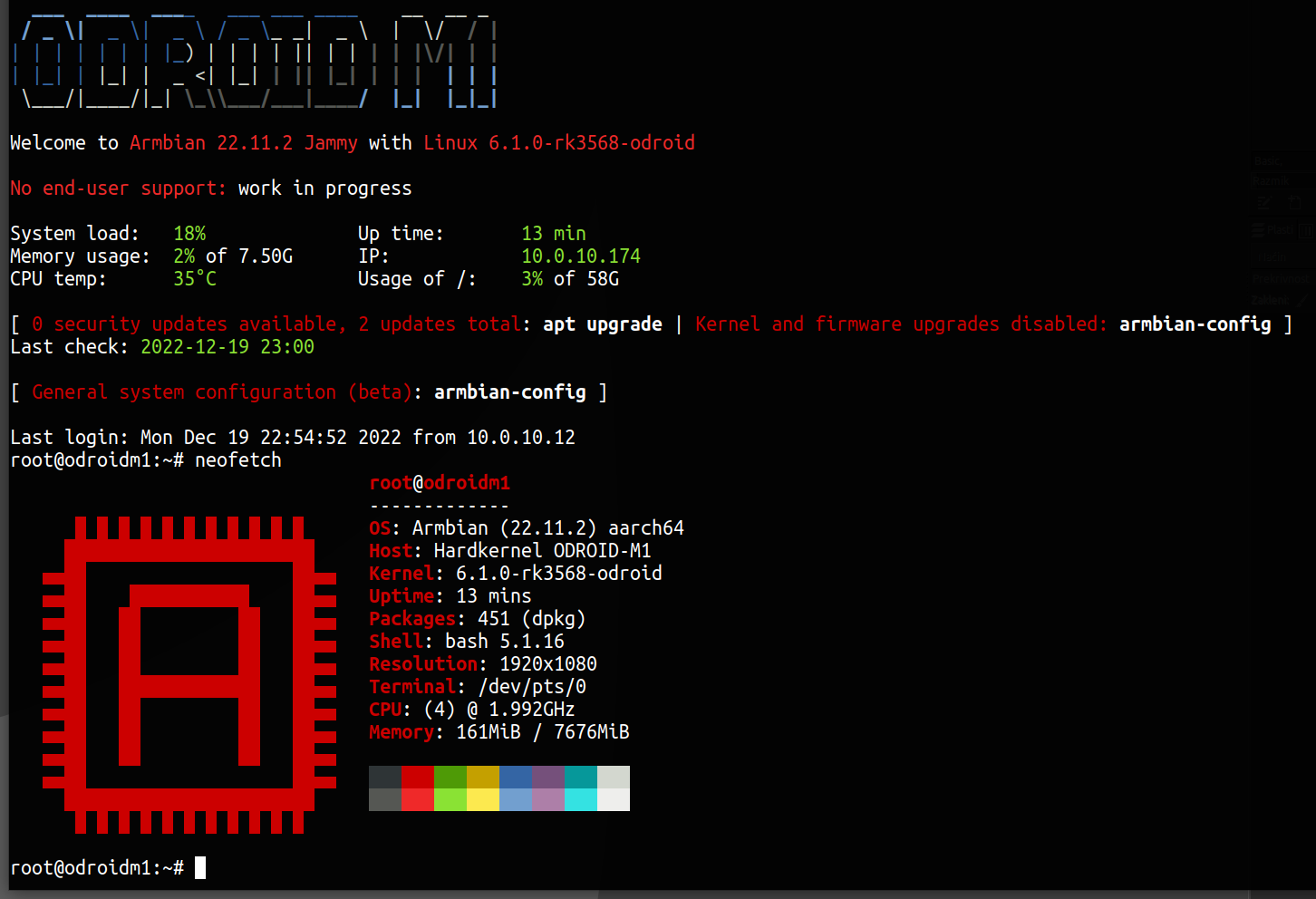
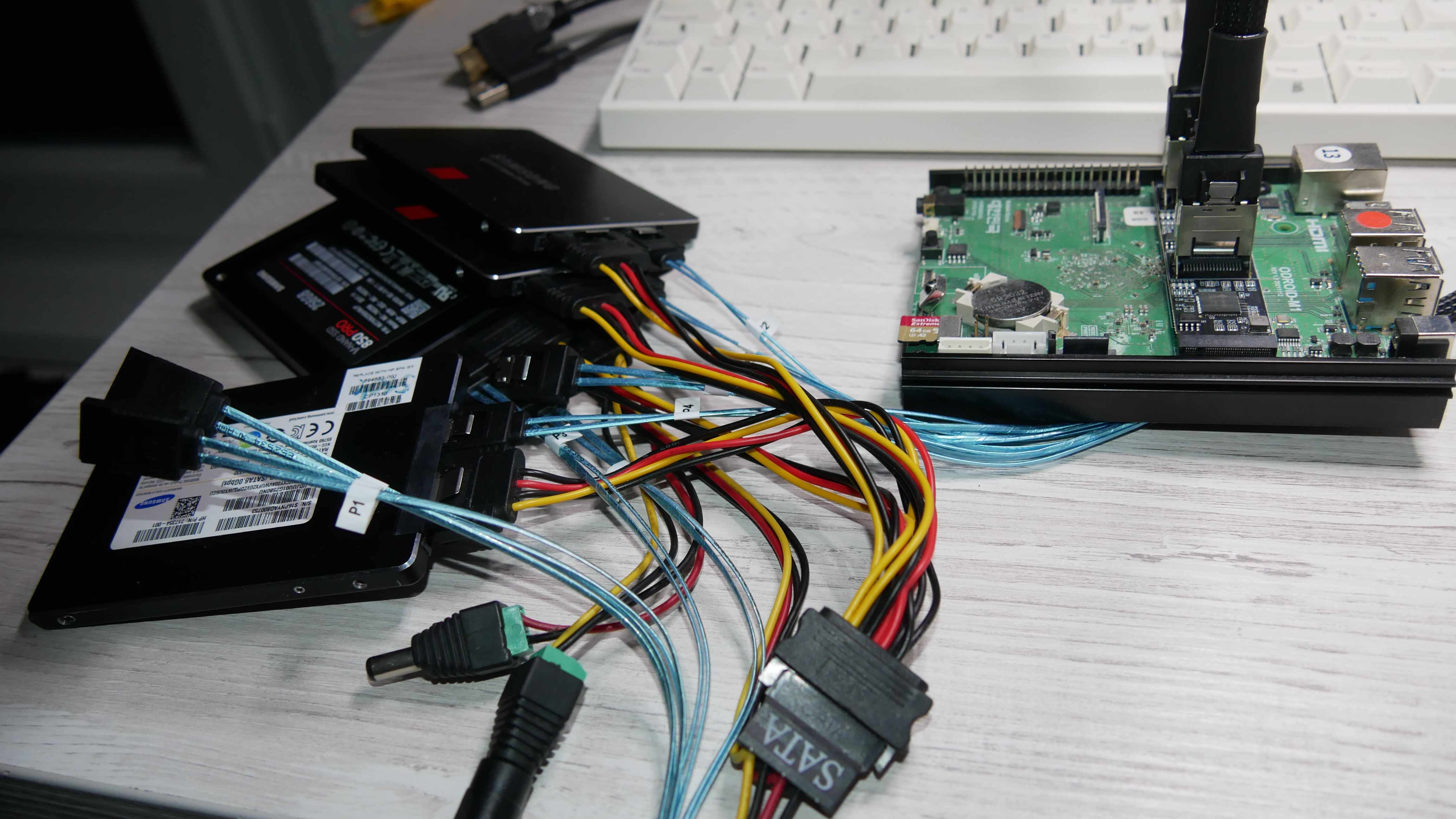
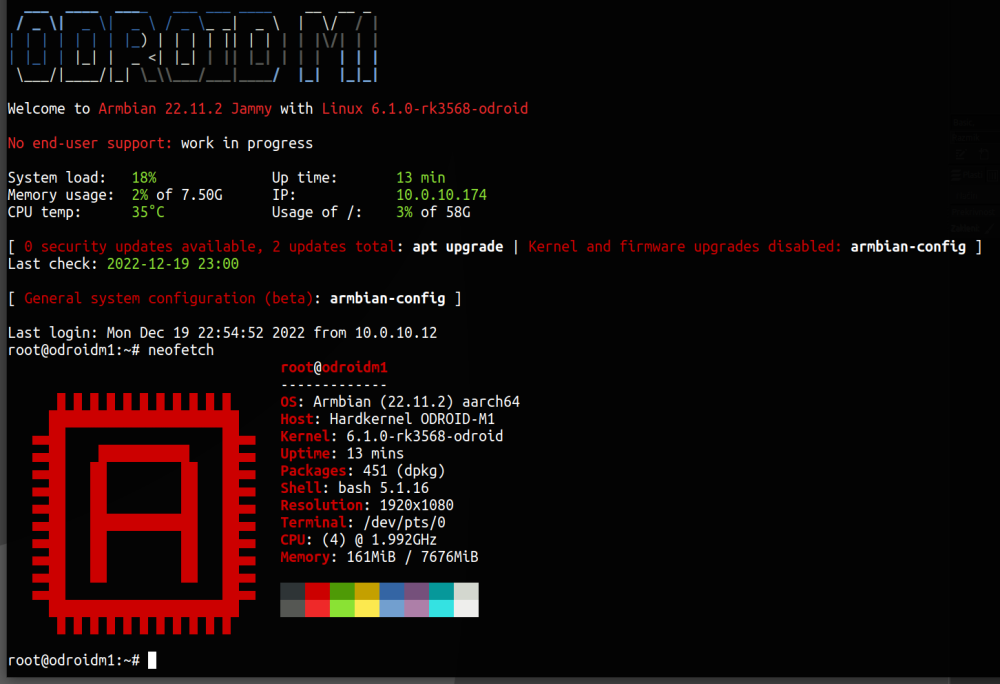
https://www.armbian.com/odroid-m1/ - kernel 6.1.y LTS
-
Just a reminder, if someone wants to fix it.
-
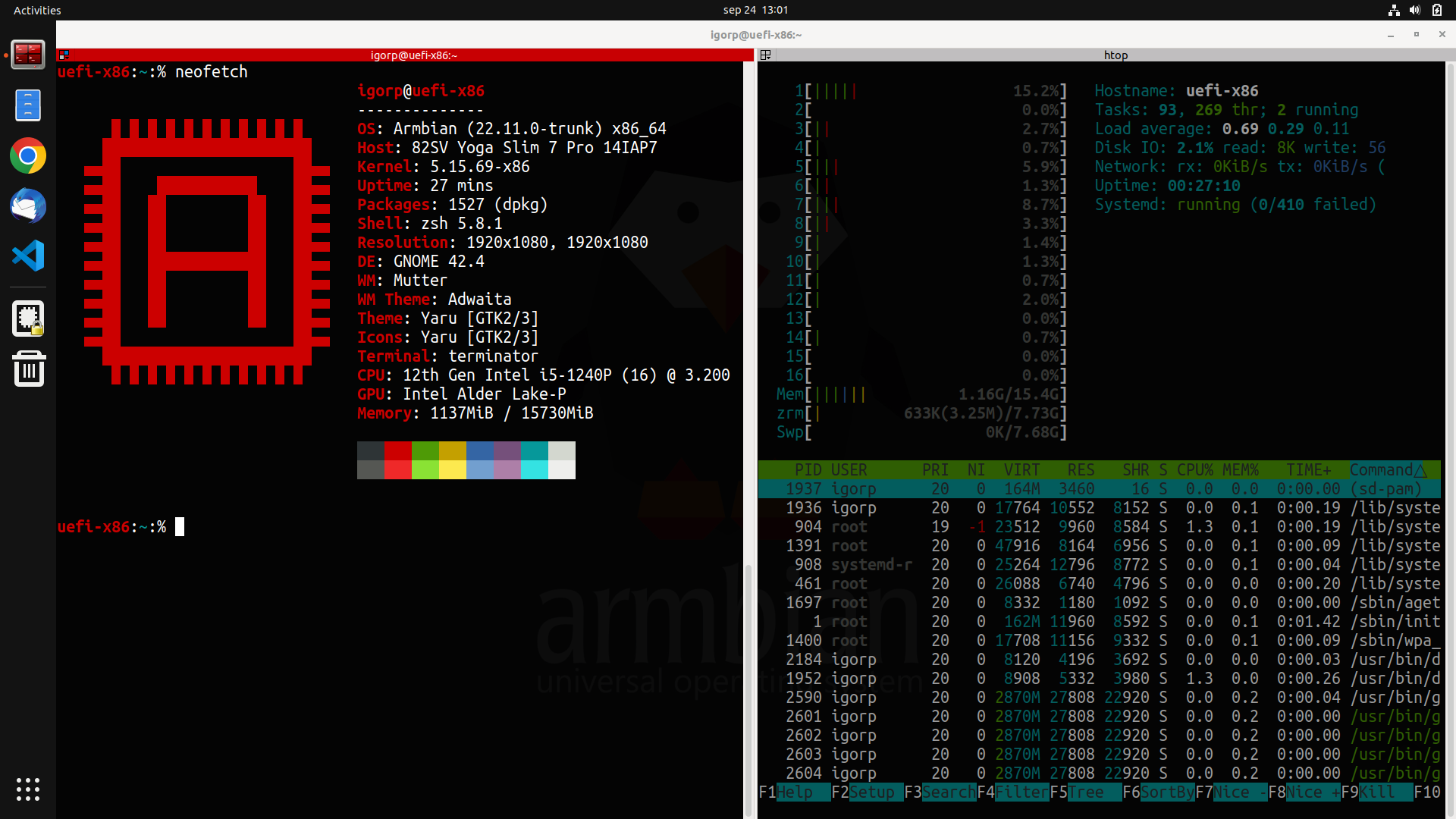
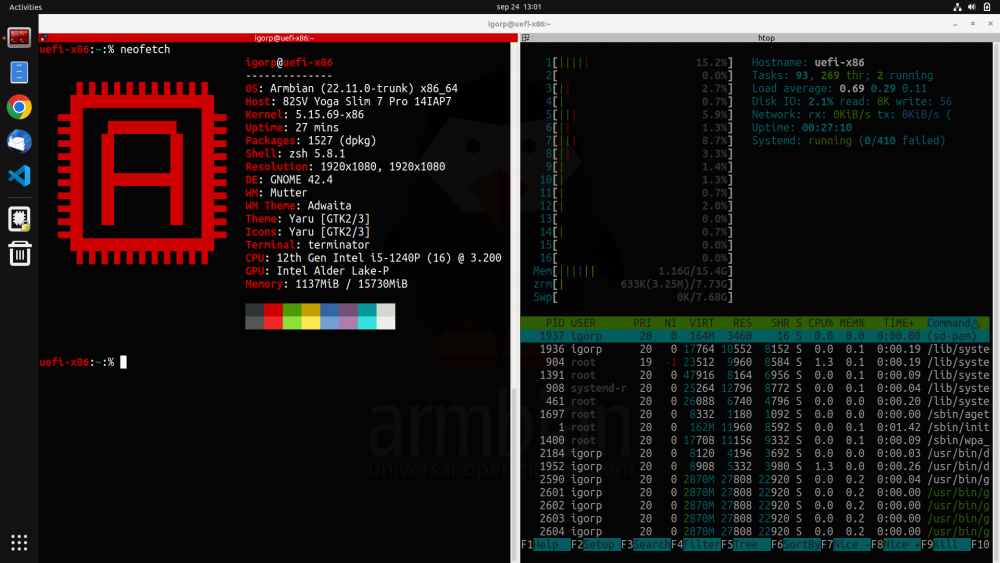
Many of us are using Armbian not just on ARM single board computers but also on servers (bare metal & virtual). We use our builds since we trust it more then Debian, Ubuntu, not to mention other distributions that are recklessly updating and one ends up as an OS tester and not OS user. Personally I use Armbian Jammy on Ryzen 9 workstation with great success. My primary use case is development / productivity. For the road I used to have 13" Dell notebook which recently suddenly died. It was out of warranty so I had to get something new. After some testings of various devices I settled with 12th Gen Intel i5-1240P powered Lenovo. Then I tried many general purpose distros to see how well they work and all had some (minor) troubles ... We are having UEFI images (common image) since some time, but UEFI nor desktops were fine tuned nor ready for such performance daily driver desktop usage. We were close, but not close enough to just run it. Past two weeks we have been lifting general UEFI support, fixed many bugs and what came out is "Armbian ultimate developers desktop build". - improved support in GRUB (armbian wallpaper) & HiDPI GRUB support - all preinstalled applications are normal apt packages - current 5.15.y kernel, Jammy userland (5.19.y has some strange issues) - snapd is not installed (user can install it) - HiDPI support (automated adjustments on big screen resolutions) - NVIDIA graphics acceleration with proprietary driver (x86 only) - Intel graphics acceleration also works out of the box - preinstalled Google Chrome (x86 only) - preinstalled Microsoft Visual Studio Code (x86 only) - ZFS 2.1.5 ready (apt install zfsutils-linux zfs-dkms) - face unlock works perfectly fine on this laptop - installation to SSD drive to dual boot with Windows 10/11 is supported Armbian classical way by transferring actual live image to the prepared partition via nand-sata-install. All you need to do is prepare spare space on your drive, Windows 10/11 or Linux, UEFI support (most if not all hardware for past 10 years has it). I have tweaked images (XFCE, Gnome, Cinnamon) a bit to my personal needs, but making changes is welcome. Nice to have: disk encryption within nand-sata-install, small bug fixing, additional DEs. Currently we have CLI, XFCE, Gnome and Cinnamon. Others are too buggy. https://www.armbian.com/uefi-x86/ https://www.armbian.com/uefi-arm64/ Please report where it works and how (well)!
-
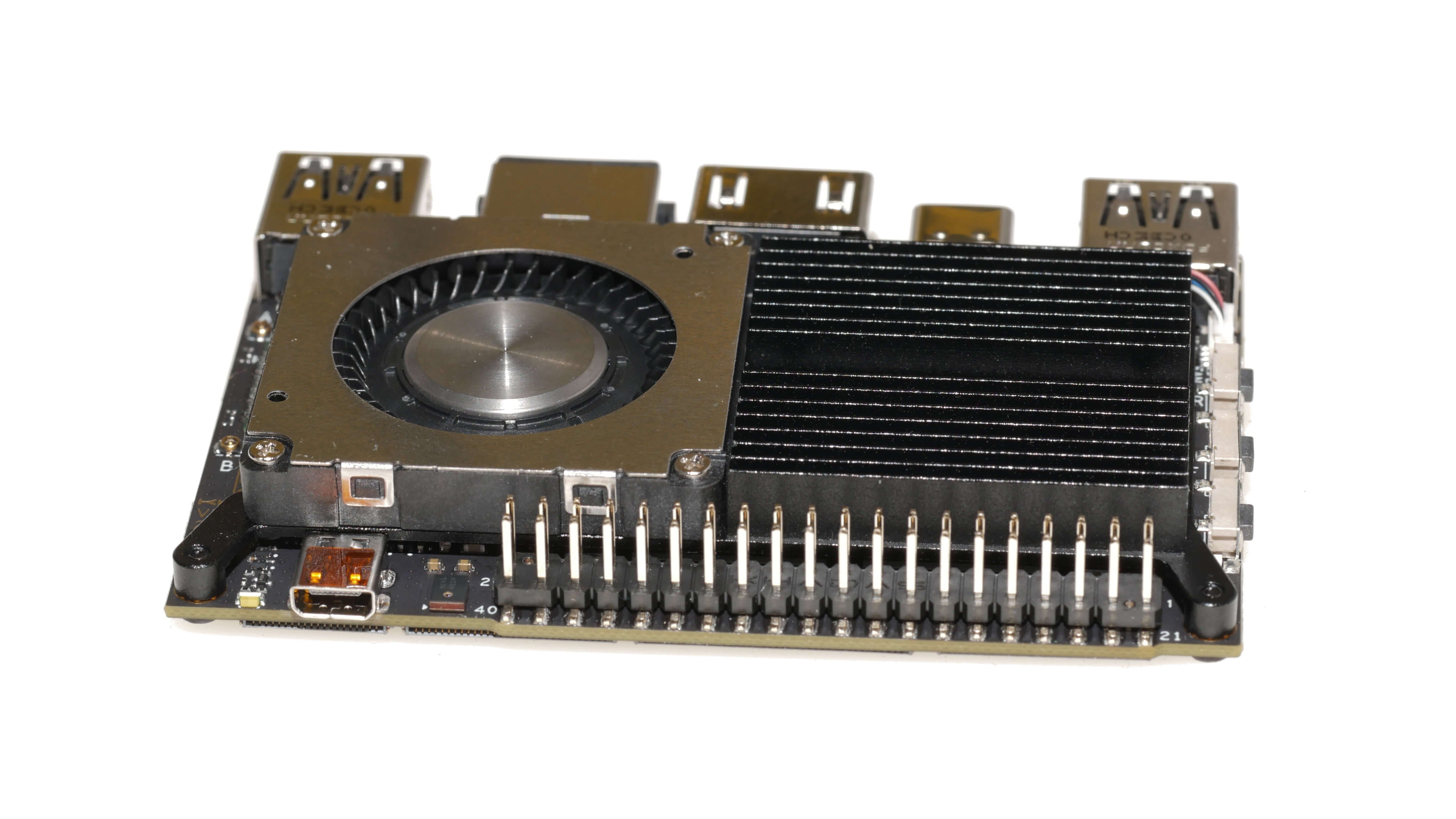
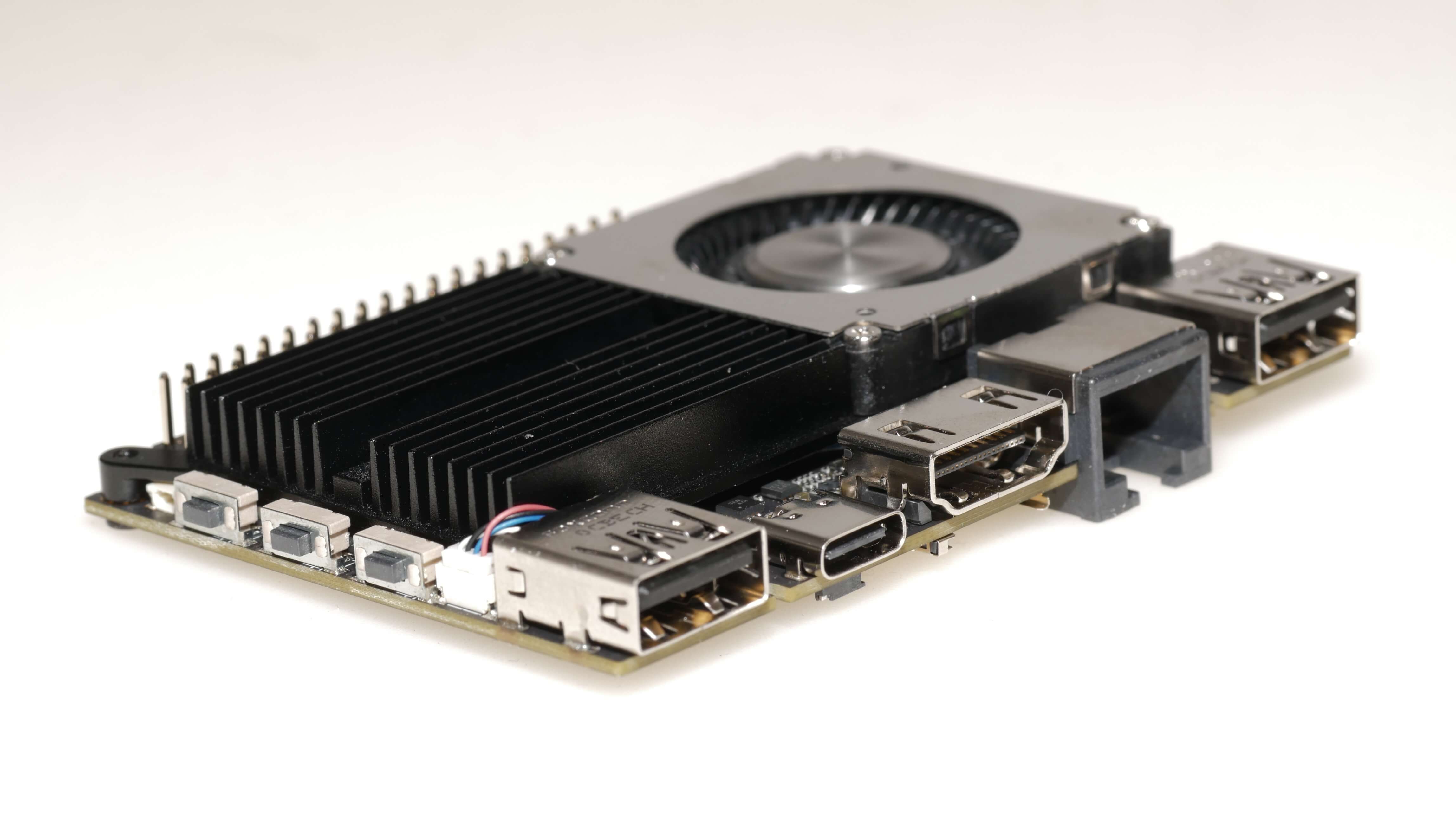
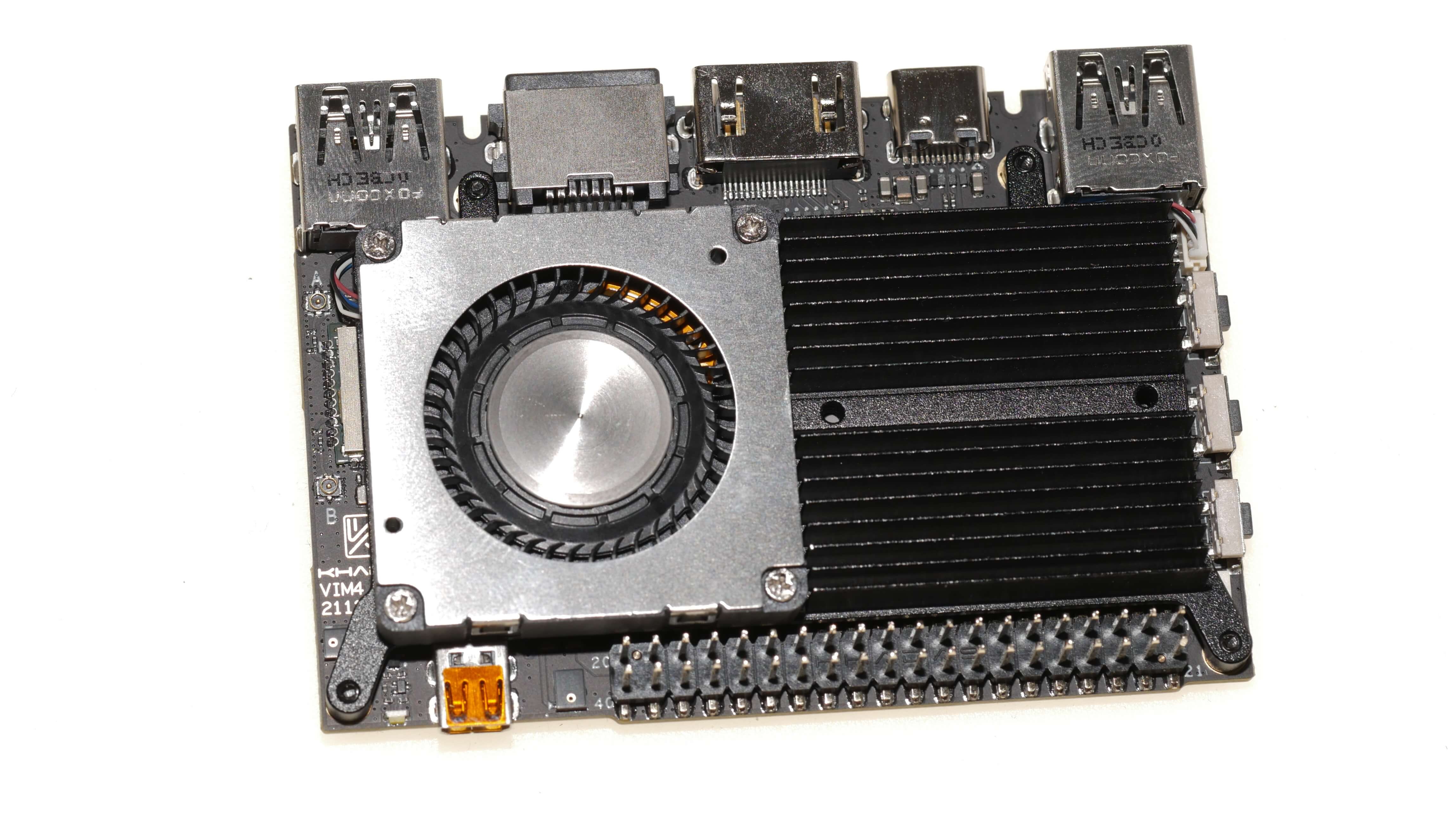
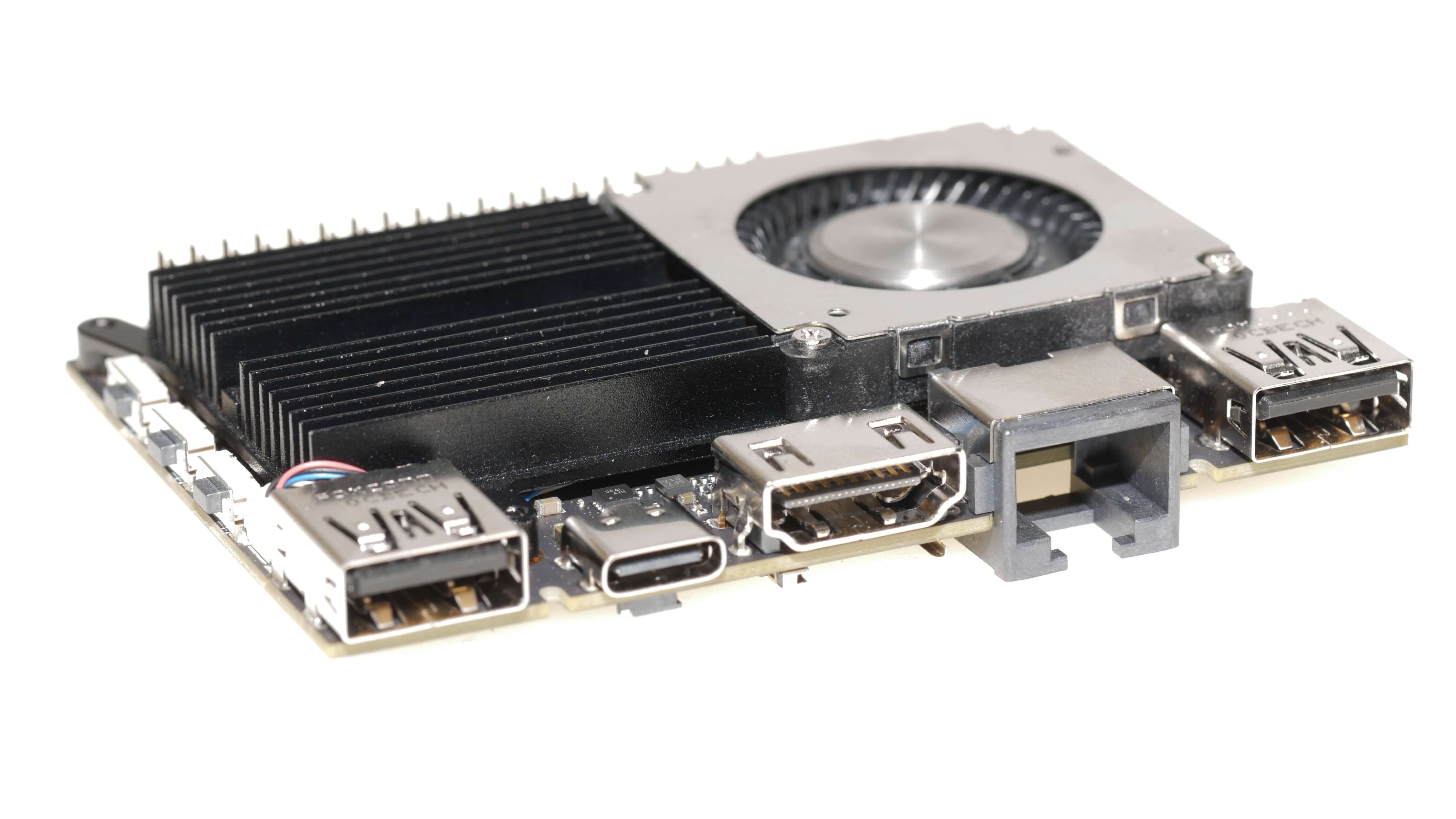
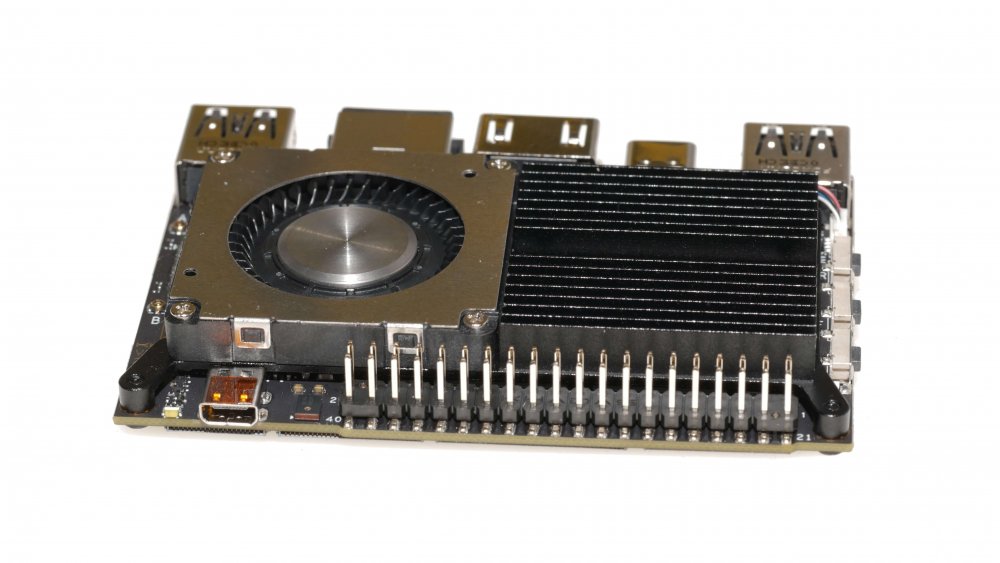
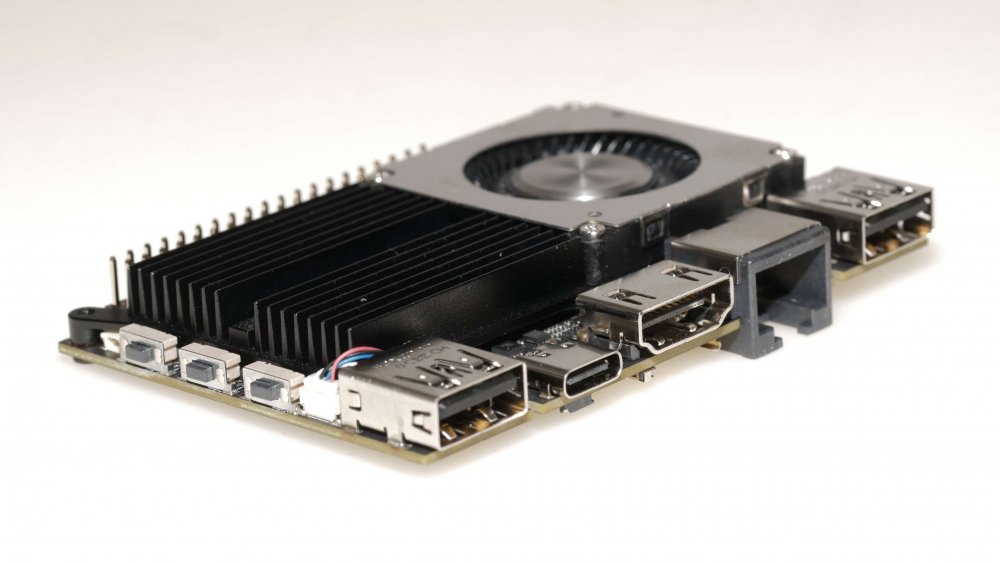
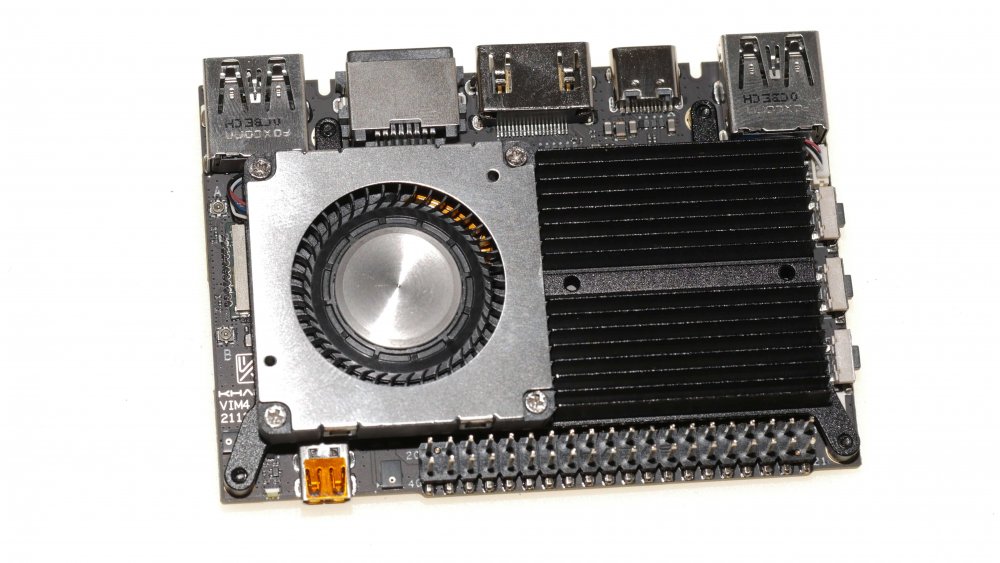
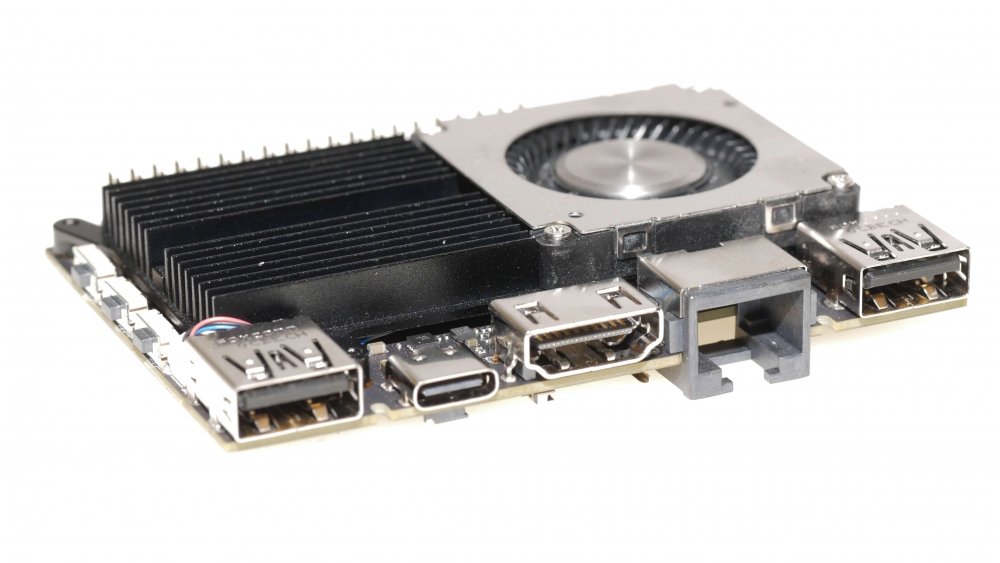
Samples arrived ♥️ HW looks fascinating, Armbian is yet to be ported so can't comment how good this is in realworld. Its shipped with stock Khadas Ubuntu, kernel 5.4.y, which is good to boot something ... Technical specs at CNX.
-
If you are running Armbian desktop and you like to use Visual Studio Code, open a terminal and run: sudo apt update sudo apt install code