Active threads
Showing topics posted in for the last 365 days.
- Past hour
-

SSH Login Speed Issue: Armbian significant slower than DietPi on RPi4B
Werner replied to 1ssuc's topic in Raspberry Pi
I don't have a rpi4b for comparison here but 5b seems ok: root@localhost's password: 1048576+0 records in 1048576+0 records out 1073741824 bytes (1.1 GB, 1.0 GiB) copied, 11.4733 s, 93.6 MB/s 2097152+0 records in 2097152+0 records out 1073741824 bytes (1.1 GB, 1.0 GiB) copied, 4.72436 s, 227 MB/s root@rpi5b:~# uname -a Linux rpi5b 6.19.0-rc1-edge-bcm2711 #1 SMP PREEMPT Tue Dec 16 21:14:01 UTC 2025 aarch64 GNU/Linux - Today
-
Hello, another Odroid M1S owner and user here. I tried the Ubuntu image because I was curious about video acceleration in particular. So I installed Kodi and played a few videos. There is no acceleration. This means that this image is not usable as a player. However, it will probably be usable as an SMB/NFS server (I'll try using it that way for a while). A few comments: - Gnome is relatively slower, but not unusably slow (I personally don't mind, because I don't intend to use the M1S as a desktop) - Gnome sometimes has problems rendering windows, there are strange stripes, only in certain parts of the windows, and at times it is so annoying that it becomes unusable - Personally, I would love it if someone experienced could take a working GPU driver and put it into this image. That would solve everything, and we could all use the M1S to our full satisfaction (however, it's probably not that easy, because otherwise the guys at Odroid would have already done it). - I will add relevant links to a functional accelerated solution that makes the M1S a fully functional driver, but based on the very old and not very usable 5.10 kernel - https://forum.odroid.com/viewtopic.php?f=217&t=47621 here is a functional Odroid based image solution for media player. - By the way, I managed to upgrade the image mentioned here to Ubuntu 24.04, using the Kodi build for Odroid M2 ( https://forum.odroid.com/ viewtopic.php?f=235&t=49005 ), but I had to stay on kernel 5.10, and even this version works relatively well as a functional player with accelerated videos (the old kernel is a prerequisite) I hope that I have contributed at least a little to making this Armbian image gradually become the standard for M1S, because this computer deserves it.
-

Gaming experience with Orange Pi 5 (RK3588) on Armbian
KhanhDTP replied to KhanhDTP's topic in Orange Pi 5
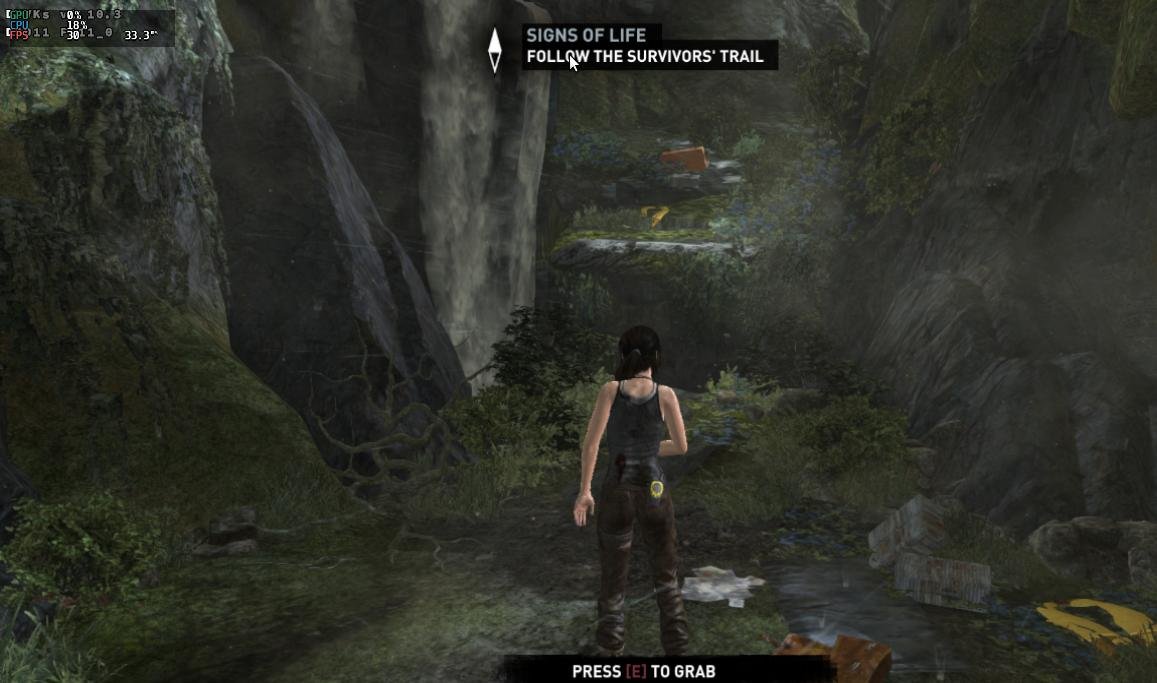
Armbian 25.8.2 Noble XFCE (BSD Kernel: 6.1.115) + PanVk - mesa 26.0 (https://launchpad.net/~ernstp/+archive/ubuntu/mesaaco) + FEX-Emu 2510 + hangover-10.18 (https://github.com/AndreRH/hangover/releases/tag/hangover-10.18) + Dxvk 1.10.3 (stripped) 30~60fps@720p (mixed settings) Tomb Raider (2013) Definitive Edition.thumb.jpg.95b8fe83c7904d982e5e1f330020a623.jpg)
-
OK good that is works now. I did not really read all history. I have a build running now (mainline/edge), but I will again need to dig into overlay/dts, hopefully I understand it now a bit better.
-
There are 2 sentences below that set of download URLs that should say enough: Also see section title: "Bleeding" in normal life means something went wrong, blood dripping from your body might spoil the carpet, blood squirting from your body might mean death is near. So you are expected to do something maybe. You already did by doing that by creating this topic. In case of a device with new SoC (on the market after old 6.1 kernel) it seems wise to put also focus on new mainline kernel which is maybe a bit problematic w.r.t. certain things, but you can be sure it will be the main stable thing sometime. Maybe after years. If people who care about such a device/computer/board would only stick to old/stable Rockchip proprietary downstream kernel and firmware, this thing will be dead after 5 years from now. So in order to survive, it needs development/testing now and continuously actually (also w.r.t. security, that is the case for every computer). You are one of the testers, maybe you forgot to realize. 'images' is very low effort getting an integrated and pre-installed OS tested. If no images, you would point people to a rootfs.tar.gz or instructions to run debootstrap and let people guess how to build a kernel and some bootloader. Or run Debian Testing or a rolling distro like Arch Linux. You would be a better tester if you could more exactly inform where or what the issue is. Maybe it is so simple like a week ago or so that a listed image was only containing U-Boot, so the .xz file was something like 500 kilo not Mega Bytes.
-

HDMI audio and analog audio do not work on Opi5Plus
laibsch replied to ずっと一人's topic in Orange Pi 5 Plus
suggested solution is to move to kernel 6.18 -
I was able to get it out. I'm pretty good at Linux, but not at screens. Maybe I'm missing something?
-
No overlays when kernel 6.18.1-edge-sunxi compile
Werner replied to eselarm's topic in Allwinner sunxi
https://github.com/armbian/build/pull/9094 -
As a follow up: got my board yesterday. 2GB RAM as announced, no obvious bringup probs. The Ubuntu image runs from SD, UART ok, got 80mb/s from SD and around ~300mb/s from an 128GB 2230 NVME. No boot from upper m.2, only lower m.2 boots (works as announced). The SBC starts via uboot stored on the 16mbyte SPI flash, so I think it should be possible to also boot from upper m.2 since the uboot recognizes media both m.2 slots. Currently unclear how to recover from damaged SPI flash, so I need to proceed carefully. Uboot env is closed (bootdelay=0), so first task is to open up uboot cmd line. Theres a boot switch that seems to trigger some USB boot from ROM but thats undocumented AFAICT. Plenty to investigate for my 50 bucks 😉
-
What kernel version are you using?
- Yesterday
-
Updade: i tried to flash to memory using a male to male USB "Bus 003 Device 008: ID 1f3a:efe8 Allwinner Technology sunxi SoC OTG connector in FEL/flashing mode" Needless to say, i've been duped, scammed, fooled perhaps. I found a picture of a model exactly the same as that one, and it had a H3 chip, since from what i see Rockchip is best supported by the comunity, i'll give up on this board. Tomorrow i'll do one last update when the USB-TTL arrives, to see if my suspicions are confirmed.
-
I just registered here to say thanks to @bAL, your solution works on my Odroid HC4. I was bashing my head against the wall because I couldn't find what was constantly changing the fan PWM value even after disabling the fancontrol service. Now I finally have full control over the fan PWM (and thus the noise levels). Thanks again! So yeah, this issue is still relevant in 2025. `lsb_release -a` output for the interested: Distributor ID: Debian Description: Armbian 25.11.2 trixie Release: 13 Codename: trixie
-
Odd. Should more look like this. Also the first time I hear there is an issue like this. Perhaps retry now since your group is no longer validation but members. https://x.na4.eu/KOTu3/PACoFIsE81.jpg
-

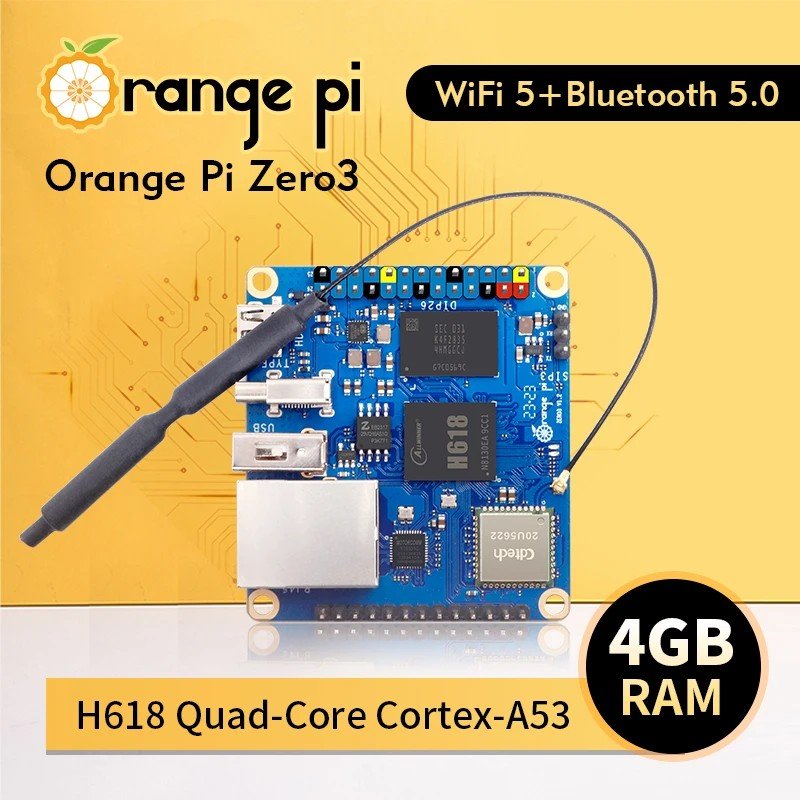
OrangePi Zero LTS ili9341 TFT LCD (and later OrangePi Zero 3)
robertoj replied to robertoj's topic in Allwinner sunxi
Try the X11 windowing manager or the Wayland compositor without lightdm (or another display manager). -
@JuanEsf sunxi-edge is now on 6.18. You can add your patches for t527 there.
-
Hello, i have a screen thats bigger than what I could see (frame). on a raspberry, i change the config with overlay adjustment. But i dont know how to do this for the banana pi.. Someone Here could redirect me the rijgt pad where to fix it?
- Last week
-
@PH Ph You need to find the correct GPIO# for your emmc. Extract the boot.bin from your original Android to get the device tree (DTS). Follow the steps in this link. https://forum.armbian.com/topic/29794-how-to-install-armbian-in-h618/#findComment-187672
-
Hi @tmb Helios64 and Armbian are still very relevant in 2025! Thanks to this amazing community! I used mine with OpenMediaVault until a couple of MOSFETs failed and some drives stopped to spin up. Unfortunately, the original components were quite cheap. Even though I found better replacements, I didn’t want to pay for micro-soldering services, which can be pricey compared to the parts themselves (just a few euros). Instead, I built my own NAS using an Intel N100. It’s now a low-power device running a dozen Docker containers, using Home Assistant image as base. I’m totally in unsupported territory, but it works great! With this setup, OpenMediaVault can go into sleep mode when needed, and so far, it’s been working really well for me.
-
 If you learn yourself a strategy not to wipe existing installation, but dist-upgrade it and also have a flexible backup and restore for yourself, you don't need lists or so as the same set of software keeps being there. I clone installations from 1 computer to the other, so do not use new images. With tasksel you can remove and add Desktop Environments, sudo systemctl set-default <target> to changes from GUI to CLI and vice-versa. Make sure you have a serial console cable working (for CLI and no HDMI/kbd/mouse connected). But you can use 'sudo apt list --installed' on Debian systems. Cloning on x86 is easy, for ARM, you need change bootloader and kernel and some other packages. Until also all ARM computers come with UEFI bootloader/firmware. https://www.debian.org/releases/trixie/release-notes/upgrading.en.html#preparing-apt-sources-files https://digint.ch/btrbk/doc/readme.html https://btrfs.readthedocs.io/en/latest/Send-receive.html
 -
Posting this interesting event, in case someone can see why it worked: Banana Pi M4 zero (H618) gained HDMI audio when upgrading to Linux 6.12.30 https://forum.armbian.com/topic/50773-bpi-m4-zero-hdmi-audio/ But in this thread, there's a report that upgrading to 6.16.8 (from 6.15.4) lost HDMI audio
-
 Here the workaround to get a "gdm" login screen: root@ password: _ _ _ /_\ _ _ _ __ | |__(_)__ _ _ _ / _ \| '_| ' \| '_ \ / _` | ' \ /_/ \_\_| |_|_|_|_.__/_\__,_|_||_| v25.11.2 for Khadas VIM3 running Armbian Linux 6.12.58-current-meson64 Performance: Load: 25% Uptime: 4 minutes Local users: 3 Memory usage: 8% of 3.68G CPU temp: 38°C Usage of /: 11% of 58G RX today: 920 MiB Tips: Armbian config utility https://tinyurl.com/yc39n6m3 Commands: Configuration : armbian-config Monitoring : htop root@khadas-vim3:~# systemctl --failed UNIT LOAD ACTIVE SUB DESCRIPTION 0 loaded units listed. Issue #1: No login screen on HDMI: root@khadas-vim3:~# systemctl status gdm.service ● gdm.service - GNOME Display Manager Loaded: loaded (/usr/lib/systemd/system/gdm.service; static) Active: active (running) since Mon 2025-12-15 17:25:25 CET; 4min 28s ago Process: 2684 ExecStartPre=/usr/share/gdm/generate-config (code=exited, status=0/SUCCESS) Main PID: 2699 (gdm3) Tasks: 4 (limit: 4215) Memory: 8.9M (peak: 10.4M) CPU: 414ms CGroup: /system.slice/gdm.service └─2699 /usr/sbin/gdm3 Dec 15 17:27:04 khadas-vim3 gdm3[2699]: Gdm: on_display_added: assertion 'GDM_IS_REMOTE_DISPLAY (display)' failed Dec 15 17:27:04 khadas-vim3 gdm3[2699]: Gdm: on_display_removed: assertion 'GDM_IS_REMOTE_DISPLAY (display)' failed Dec 15 17:28:40 khadas-vim3 gdm3[2699]: Gdm: GdmDisplay: Session never registered, failing Dec 15 17:28:40 khadas-vim3 gdm3[2699]: Gdm: on_display_added: assertion 'GDM_IS_REMOTE_DISPLAY (display)' failed Dec 15 17:28:40 khadas-vim3 gdm3[2699]: Gdm: on_display_removed: assertion 'GDM_IS_REMOTE_DISPLAY (display)' failed Dec 15 17:28:40 khadas-vim3 gdm-autologin][3881]: PAM unable to dlopen(pam_gnome_keyring.so): /usr/lib/security/pam_gnome_keyring.so: cannot open shared object file: No > Dec 15 17:28:40 khadas-vim3 gdm-autologin][3881]: PAM adding faulty module: pam_gnome_keyring.so Dec 15 17:28:40 khadas-vim3 gdm-autologin][3881]: pam_unix(gdm-autologin:session): session opened for user amach(uid=1000) by amach(uid=0) Dec 15 17:28:41 khadas-vim3 gdm3[2699]: Gdm: on_display_added: assertion 'GDM_IS_REMOTE_DISPLAY (display)' failed Dec 15 17:28:41 khadas-vim3 gdm3[2699]: Gdm: on_display_removed: assertion 'GDM_IS_REMOTE_DISPLAY (display)' failed root@khadas-vim3:~# ll /dev/dri/ total 0 drwxr-xr-x 2 root root 140 Dec 15 17:25 by-path crw-rw----+ 1 root video 226, 0 Dec 15 17:25 card0 crw-rw----+ 1 root video 226, 1 Dec 15 17:25 card1 crw-rw----+ 1 root video 226, 2 Dec 15 17:25 card2 crw-rw----+ 1 root render 226, 128 Dec 15 17:25 renderD128 crw-rw----+ 1 root render 226, 129 Dec 15 17:25 renderD129 root@khadas-vim3:~# udevadm info /dev/dri/card0 P: /devices/platform/soc/ff900000.vpu/drm/card0 M: card0 R: 0 U: drm T: drm_minor 😧 c 226:0 N: dri/card0 L: 0 S: dri/by-path/platform-ff900000.vpu-card E: DEVPATH=/devices/platform/soc/ff900000.vpu/drm/card0 E: DEVNAME=/dev/dri/card0 E: DEVTYPE=drm_minor E: MAJOR=226 E: MINOR=0 E: SUBSYSTEM=drm E: USEC_INITIALIZED=2805131 E: ID_PATH=platform-ff900000.vpu E: ID_PATH_TAG=platform-ff900000_vpu E: ID_FOR_SEAT=drm-platform-ff900000_vpu E: DEVLINKS=/dev/dri/by-path/platform-ff900000.vpu-card E: TAGS=:master-of-seat:uaccess:seat: E: CURRENT_TAGS=:master-of-seat:uaccess:seat: root@khadas-vim3:~# udevadm info /dev/dri/card1 P: /devices/platform/soc/ffe40000.gpu/drm/card1 M: card1 R: 1 U: drm T: drm_minor 😧 c 226:1 N: dri/card1 L: 0 S: dri/by-path/platform-ffe40000.gpu-card E: DEVPATH=/devices/platform/soc/ffe40000.gpu/drm/card1 E: DEVNAME=/dev/dri/card1 E: DEVTYPE=drm_minor E: MAJOR=226 E: MINOR=1 E: SUBSYSTEM=drm E: USEC_INITIALIZED=7219633 E: ID_PATH=platform-ffe40000.gpu E: ID_PATH_TAG=platform-ffe40000_gpu E: GDM_NUMBER_OF_GRAPHICS_CARDS=3 E: ID_FOR_SEAT=drm-platform-ffe40000_gpu E: DEVLINKS=/dev/dri/by-path/platform-ffe40000.gpu-card E: TAGS=:seat:master-of-seat:uaccess: E: CURRENT_TAGS=:seat:master-of-seat:uaccess: root@khadas-vim3:~# udevadm info /dev/dri/card2 P: /devices/platform/etnaviv/drm/card2 M: card2 R: 2 U: drm T: drm_minor 😧 c 226:2 N: dri/card2 L: 0 S: dri/by-path/platform-etnaviv-card E: DEVPATH=/devices/platform/etnaviv/drm/card2 E: DEVNAME=/dev/dri/card2 E: DEVTYPE=drm_minor E: MAJOR=226 E: MINOR=2 E: SUBSYSTEM=drm E: USEC_INITIALIZED=7215211 E: ID_PATH=platform-etnaviv E: ID_PATH_TAG=platform-etnaviv E: GDM_NUMBER_OF_GRAPHICS_CARDS=3 E: ID_FOR_SEAT=drm-platform-etnaviv E: DEVLINKS=/dev/dri/by-path/platform-etnaviv-card E: TAGS=:master-of-seat:uaccess:seat: E: CURRENT_TAGS=:master-of-seat:uaccess:seat: WORKAROUND - Issue #1: root@khadas-vim3:/dev/dri# mv card2 card2out root@khadas-vim3:/dev/dri# ll total 0 drwxr-xr-x 2 root root 140 Dec 15 17:33 by-path crw-rw----+ 1 root video 226, 0 Dec 15 17:35 card0 crw-rw----+ 1 root video 226, 1 Dec 15 17:25 card1 crw-rw----+ 1 root video 226, 2 Dec 15 17:25 card2out crw-rw----+ 1 root render 226, 128 Dec 15 17:25 renderD128 crw-rw----+ 1 root render 226, 129 Dec 15 17:25 renderD129 root@khadas-vim3:/dev/dri# systemctl restart gdm.service root@khadas-vim3:/dev/dri# systemctl status gdm.service ● gdm.service - GNOME Display Manager Loaded: loaded (/usr/lib/systemd/system/gdm.service; static) Active: active (running) since Mon 2025-12-15 17:38:56 CET; 7s ago Process: 8999 ExecStartPre=/usr/share/gdm/generate-config (code=exited, status=0/SUCCESS) Main PID: 9006 (gdm3) Tasks: 5 (limit: 4215) Memory: 6.2M (peak: 7.2M) CPU: 172ms CGroup: /system.slice/gdm.service └─9006 /usr/sbin/gdm3 Dec 15 17:38:56 khadas-vim3 systemd[1]: Starting gdm.service - GNOME Display Manager... Dec 15 17:38:56 khadas-vim3 systemd[1]: Started gdm.service - GNOME Display Manager. Dec 15 17:38:56 khadas-vim3 gdm-autologin][9011]: PAM unable to dlopen(pam_gnome_keyring.so): /usr/lib/security/pam_gnome_keyring.so: cannot open shared object file: No > Dec 15 17:38:56 khadas-vim3 gdm-autologin][9011]: PAM adding faulty module: pam_gnome_keyring.so Dec 15 17:38:56 khadas-vim3 gdm-autologin][9011]: pam_unix(gdm-autologin:session): session opened for user amach(uid=1000) by amach(uid=0) Dec 15 17:38:56 khadas-vim3 gdm3[9006]: Gdm: on_display_added: assertion 'GDM_IS_REMOTE_DISPLAY (display)' failed Dec 15 17:38:56 khadas-vim3 gdm3[9006]: Gdm: on_display_removed: assertion 'GDM_IS_REMOTE_DISPLAY (display)' failed --- Issue #2: Missing Display resolution 3440x1440 for Display Dell U3415W connected to HDMI: root@khadas-vim3:/home/amach# cat xrandr.txt Screen 0: minimum 16 x 16, current 2560 x 1440, maximum 32767 x 32767 HDMI-1 connected primary 2560x1440+0+0 (normal left inverted right x axis y axis) 800mm x 330mm 2560x1440 59.91*+ 1920x1440 59.90 1600x1200 59.87 1440x1080 59.87 1400x1050 59.86 1280x1024 59.76 1280x960 59.94 1152x864 59.78 1024x768 59.68 800x600 59.86 640x480 59.38 320x240 59.52 1920x1200 59.88 1680x1050 59.85 1440x900 59.89 1280x800 59.81 1152x720 59.75 960x600 59.63 928x580 59.88 800x500 59.50 768x480 59.38 720x480 59.71 640x400 59.20 320x200 58.96 2048x1152 59.90 1920x1080 59.88 1600x900 59.82 1368x768 59.88 1280x720 59.86 1024x576 59.90 864x486 59.45 720x400 59.55 640x350 59.77 root@khadas-vim3:/dev/dri# inxi -Gxx Graphics: Device-1: meson-g12a-vpu driver: meson_drm v: N/A bus-ID: N/A chip-ID: amlogic:ff900000 Device-2: meson-g12a-mali driver: panfrost v: kernel bus-ID: N/A chip-ID: amlogic:ffe40000 Device-3: meson-g12a-dw-hdmi driver: meson_dw_hdmi v: N/A bus-ID: N/A chip-ID: amlogic:ff600000 Display: server: X.org v: 1.21.1.11 with: Xwayland v: 23.2.6 compositor: gnome-shell v: 46.0 driver: X: loaded: modesetting gpu: meson_drm,panfrost,meson_dw_hdmi tty: 170x62 Monitor-1: HDMI-A-1 model: Dell U3415W res: 3440x1440 dpi: 109 diag: 865mm (34.1") API: EGL v: 1.5 platforms: gbm: drv: etnaviv surfaceless: drv: panfrost inactive: wayland,x11 API: OpenGL v: 3.1 compat-v: 2.1 vendor: mesa v: 25.0.7-0ubuntu0.24.04.2 note: console (EGL sourced) renderer: Vivante GC8000 rev 7120, Mali-G52 (Panfrost) Please let me know or test to set the display resolution to 3440x1440 - Thank you
 -
BOOTFS_TYPE=fat is part of the aml-s9xx-box.tvb config file and has always been. So I'm not sure what your comment is referring to, but it seems to be off topic for this thread which is about instructions for using the aml-s9xx-box Armbian builds.
-
@Trinom I know this post is really old but I have to chime in on this. The instructions that @Igor gave you says to use Armbian to boot the device with then use the commands given to install Armbian. Raspbian is not Armbian. Just sayin' Just trying to figure out what or where you were reading.
-
With the following options configured as a built-in module, the issue does not happen anymore on a poweron. CONFIG_TYPEC=y CONFIG_TYPEC_TCPM=y CONFIG_TYPEC_TCPCI=y CONFIG_TYPEC_FUSB302=y CONFIG_PHY_ROCKCHIP_USBDP=y I can create a pull request for the linux-rockchip64-edge.config file. But not sure what the general consensus on the kernel options for Armbian kernels is. Maybe it is also fixable via some code change, but that would be something for a real kernel developer.
-
 Hi, thanks.

.jpg.41b56c87e5b5ad93e3c842f84338911c.jpg)