Active threads
Showing topics posted in for the last 365 days.
- Past hour
-
Sorry, I've never done anything like this before. I tried setting it up according to instructions in various GitHub threads, but it always failed. You're the only person who helps me with advice, and thanks to you, I've only been able to build an image with the required kernel module. I haven't achieved anything else, except for the white screen.
- Today
-
See build log https://paste.armbian.de/lesoquheja The kernel works, but installing the .deb failed because my extlinux script could not copy: /usr/lib/linux-image-6.18.1-edge-sunxi/overlay/sun8i-h3-analog-codec.dtbo The whole overlay folder does not exist. It does exist for 6.12.58-current-sunxi and last time I compiled kernel for the nanopineo was 6.16.8, the overlays were created. I remember it was also once the case with edge kernel for other SBC ( .deb package from the Armbian beta repo). That time own local build did create overlays. I am not sure where to look or what could be wrong.
-
I just registered here to say thanks to @bAL, your solution works on my Odroid HC4. I was bashing my head against the wall because I couldn't find what was constantly changing the fan PWM value even after disabling the fancontrol service. Now I finally have full control over the fan PWM (and thus the noise levels). Thanks again! So yeah, this issue is still relevant in 2025. `lsb_release -a` output for the interested: Distributor ID: Debian Description: Armbian 25.11.2 trixie Release: 13 Codename: trixie
-
Odd. Should more look like this. Also the first time I hear there is an issue like this. Perhaps retry now since your group is no longer validation but members. https://x.na4.eu/KOTu3/PACoFIsE81.jpg
-

OrangePi Zero LTS ili9341 TFT LCD (and later OrangePi Zero 3)
robertoj replied to robertoj's topic in Allwinner sunxi
Try the X11 windowing manager or the Wayland compositor without lightdm (or another display manager). -
@Jerry Falken I am pretty sure you jumped in this 3ad without reading all of it, and this is unfair . You are right, it is huge, but such question you ask have been already answered in the past many times , and I will answer just as a form of courtesy , but will not go back in the future on the same question again If you look at your board you can spot 3 pads : tx rx gnd . That is all is needed, no 5 volts just tx rx gnd Those pads are the "uart" , in other words there you will see ALL that happens when the board starts, if is a rk 322x or other fake print, if it is ddr3 or ddr2 manyyyyy manyyy infos to debug the whole process. For me it is a 3229 with ddr3 memory but uart will tell you Go find in the 1st post the speed of uart to use with putty or minicom ( spoiler :1500000 🙃 ) just for sake of coriousity, this si the setting I have in my lab: ALWAYS and I repeat ALWAYS a uart connected to debug what is going so if you need answer.. post the right questions and not generic ones g on
-

Gaming experience with Orange Pi 5 (RK3588) on Armbian
晓飞丁 replied to KhanhDTP's topic in Orange Pi 5
I've read your DXVK-stripped code on github. Looks like your code is far behind the original one. Is your code can match the release "stripped 2.7.1" libs you provide? Thanks you so much! -
@JuanEsf sunxi-edge is now on 6.18. You can add your patches for t527 there.
-
Hello, i have a screen thats bigger than what I could see (frame). on a raspberry, i change the config with overlay adjustment. But i dont know how to do this for the banana pi.. Someone Here could redirect me the rijgt pad where to fix it?
- Yesterday
-
@PH Ph You need to find the correct GPIO# for your emmc. Extract the boot.bin from your original Android to get the device tree (DTS). Follow the steps in this link. https://forum.armbian.com/topic/29794-how-to-install-armbian-in-h618/#findComment-187672
-
Hi @tmb Helios64 and Armbian are still very relevant in 2025! Thanks to this amazing community! I used mine with OpenMediaVault until a couple of MOSFETs failed and some drives stopped to spin up. Unfortunately, the original components were quite cheap. Even though I found better replacements, I didn’t want to pay for micro-soldering services, which can be pricey compared to the parts themselves (just a few euros). Instead, I built my own NAS using an Intel N100. It’s now a low-power device running a dozen Docker containers, using Home Assistant image as base. I’m totally in unsupported territory, but it works great! With this setup, OpenMediaVault can go into sleep mode when needed, and so far, it’s been working really well for me.
-
 If you learn yourself a strategy not to wipe existing installation, but dist-upgrade it and also have a flexible backup and restore for yourself, you don't need lists or so as the same set of software keeps being there. I clone installations from 1 computer to the other, so do not use new images. With tasksel you can remove and add Desktop Environments, sudo systemctl set-default <target> to changes from GUI to CLI and vice-versa. Make sure you have a serial console cable working (for CLI and no HDMI/kbd/mouse connected). But you can use 'sudo apt list --installed' on Debian systems. Cloning on x86 is easy, for ARM, you need change bootloader and kernel and some other packages. Until also all ARM computers come with UEFI bootloader/firmware. https://www.debian.org/releases/trixie/release-notes/upgrading.en.html#preparing-apt-sources-files https://digint.ch/btrbk/doc/readme.html https://btrfs.readthedocs.io/en/latest/Send-receive.html
 -
Posting this interesting event, in case someone can see why it worked: Banana Pi M4 zero (H618) gained HDMI audio when upgrading to Linux 6.12.30 https://forum.armbian.com/topic/50773-bpi-m4-zero-hdmi-audio/ But in this thread, there's a report that upgrading to 6.16.8 (from 6.15.4) lost HDMI audio
-
 Here the workaround to get a "gdm" login screen: root@ password: _ _ _ /_\ _ _ _ __ | |__(_)__ _ _ _ / _ \| '_| ' \| '_ \ / _` | ' \ /_/ \_\_| |_|_|_|_.__/_\__,_|_||_| v25.11.2 for Khadas VIM3 running Armbian Linux 6.12.58-current-meson64 Performance: Load: 25% Uptime: 4 minutes Local users: 3 Memory usage: 8% of 3.68G CPU temp: 38°C Usage of /: 11% of 58G RX today: 920 MiB Tips: Armbian config utility https://tinyurl.com/yc39n6m3 Commands: Configuration : armbian-config Monitoring : htop root@khadas-vim3:~# systemctl --failed UNIT LOAD ACTIVE SUB DESCRIPTION 0 loaded units listed. Issue #1: No login screen on HDMI: root@khadas-vim3:~# systemctl status gdm.service ● gdm.service - GNOME Display Manager Loaded: loaded (/usr/lib/systemd/system/gdm.service; static) Active: active (running) since Mon 2025-12-15 17:25:25 CET; 4min 28s ago Process: 2684 ExecStartPre=/usr/share/gdm/generate-config (code=exited, status=0/SUCCESS) Main PID: 2699 (gdm3) Tasks: 4 (limit: 4215) Memory: 8.9M (peak: 10.4M) CPU: 414ms CGroup: /system.slice/gdm.service └─2699 /usr/sbin/gdm3 Dec 15 17:27:04 khadas-vim3 gdm3[2699]: Gdm: on_display_added: assertion 'GDM_IS_REMOTE_DISPLAY (display)' failed Dec 15 17:27:04 khadas-vim3 gdm3[2699]: Gdm: on_display_removed: assertion 'GDM_IS_REMOTE_DISPLAY (display)' failed Dec 15 17:28:40 khadas-vim3 gdm3[2699]: Gdm: GdmDisplay: Session never registered, failing Dec 15 17:28:40 khadas-vim3 gdm3[2699]: Gdm: on_display_added: assertion 'GDM_IS_REMOTE_DISPLAY (display)' failed Dec 15 17:28:40 khadas-vim3 gdm3[2699]: Gdm: on_display_removed: assertion 'GDM_IS_REMOTE_DISPLAY (display)' failed Dec 15 17:28:40 khadas-vim3 gdm-autologin][3881]: PAM unable to dlopen(pam_gnome_keyring.so): /usr/lib/security/pam_gnome_keyring.so: cannot open shared object file: No > Dec 15 17:28:40 khadas-vim3 gdm-autologin][3881]: PAM adding faulty module: pam_gnome_keyring.so Dec 15 17:28:40 khadas-vim3 gdm-autologin][3881]: pam_unix(gdm-autologin:session): session opened for user amach(uid=1000) by amach(uid=0) Dec 15 17:28:41 khadas-vim3 gdm3[2699]: Gdm: on_display_added: assertion 'GDM_IS_REMOTE_DISPLAY (display)' failed Dec 15 17:28:41 khadas-vim3 gdm3[2699]: Gdm: on_display_removed: assertion 'GDM_IS_REMOTE_DISPLAY (display)' failed root@khadas-vim3:~# ll /dev/dri/ total 0 drwxr-xr-x 2 root root 140 Dec 15 17:25 by-path crw-rw----+ 1 root video 226, 0 Dec 15 17:25 card0 crw-rw----+ 1 root video 226, 1 Dec 15 17:25 card1 crw-rw----+ 1 root video 226, 2 Dec 15 17:25 card2 crw-rw----+ 1 root render 226, 128 Dec 15 17:25 renderD128 crw-rw----+ 1 root render 226, 129 Dec 15 17:25 renderD129 root@khadas-vim3:~# udevadm info /dev/dri/card0 P: /devices/platform/soc/ff900000.vpu/drm/card0 M: card0 R: 0 U: drm T: drm_minor 😧 c 226:0 N: dri/card0 L: 0 S: dri/by-path/platform-ff900000.vpu-card E: DEVPATH=/devices/platform/soc/ff900000.vpu/drm/card0 E: DEVNAME=/dev/dri/card0 E: DEVTYPE=drm_minor E: MAJOR=226 E: MINOR=0 E: SUBSYSTEM=drm E: USEC_INITIALIZED=2805131 E: ID_PATH=platform-ff900000.vpu E: ID_PATH_TAG=platform-ff900000_vpu E: ID_FOR_SEAT=drm-platform-ff900000_vpu E: DEVLINKS=/dev/dri/by-path/platform-ff900000.vpu-card E: TAGS=:master-of-seat:uaccess:seat: E: CURRENT_TAGS=:master-of-seat:uaccess:seat: root@khadas-vim3:~# udevadm info /dev/dri/card1 P: /devices/platform/soc/ffe40000.gpu/drm/card1 M: card1 R: 1 U: drm T: drm_minor 😧 c 226:1 N: dri/card1 L: 0 S: dri/by-path/platform-ffe40000.gpu-card E: DEVPATH=/devices/platform/soc/ffe40000.gpu/drm/card1 E: DEVNAME=/dev/dri/card1 E: DEVTYPE=drm_minor E: MAJOR=226 E: MINOR=1 E: SUBSYSTEM=drm E: USEC_INITIALIZED=7219633 E: ID_PATH=platform-ffe40000.gpu E: ID_PATH_TAG=platform-ffe40000_gpu E: GDM_NUMBER_OF_GRAPHICS_CARDS=3 E: ID_FOR_SEAT=drm-platform-ffe40000_gpu E: DEVLINKS=/dev/dri/by-path/platform-ffe40000.gpu-card E: TAGS=:seat:master-of-seat:uaccess: E: CURRENT_TAGS=:seat:master-of-seat:uaccess: root@khadas-vim3:~# udevadm info /dev/dri/card2 P: /devices/platform/etnaviv/drm/card2 M: card2 R: 2 U: drm T: drm_minor 😧 c 226:2 N: dri/card2 L: 0 S: dri/by-path/platform-etnaviv-card E: DEVPATH=/devices/platform/etnaviv/drm/card2 E: DEVNAME=/dev/dri/card2 E: DEVTYPE=drm_minor E: MAJOR=226 E: MINOR=2 E: SUBSYSTEM=drm E: USEC_INITIALIZED=7215211 E: ID_PATH=platform-etnaviv E: ID_PATH_TAG=platform-etnaviv E: GDM_NUMBER_OF_GRAPHICS_CARDS=3 E: ID_FOR_SEAT=drm-platform-etnaviv E: DEVLINKS=/dev/dri/by-path/platform-etnaviv-card E: TAGS=:master-of-seat:uaccess:seat: E: CURRENT_TAGS=:master-of-seat:uaccess:seat: WORKAROUND - Issue #1: root@khadas-vim3:/dev/dri# mv card2 card2out root@khadas-vim3:/dev/dri# ll total 0 drwxr-xr-x 2 root root 140 Dec 15 17:33 by-path crw-rw----+ 1 root video 226, 0 Dec 15 17:35 card0 crw-rw----+ 1 root video 226, 1 Dec 15 17:25 card1 crw-rw----+ 1 root video 226, 2 Dec 15 17:25 card2out crw-rw----+ 1 root render 226, 128 Dec 15 17:25 renderD128 crw-rw----+ 1 root render 226, 129 Dec 15 17:25 renderD129 root@khadas-vim3:/dev/dri# systemctl restart gdm.service root@khadas-vim3:/dev/dri# systemctl status gdm.service ● gdm.service - GNOME Display Manager Loaded: loaded (/usr/lib/systemd/system/gdm.service; static) Active: active (running) since Mon 2025-12-15 17:38:56 CET; 7s ago Process: 8999 ExecStartPre=/usr/share/gdm/generate-config (code=exited, status=0/SUCCESS) Main PID: 9006 (gdm3) Tasks: 5 (limit: 4215) Memory: 6.2M (peak: 7.2M) CPU: 172ms CGroup: /system.slice/gdm.service └─9006 /usr/sbin/gdm3 Dec 15 17:38:56 khadas-vim3 systemd[1]: Starting gdm.service - GNOME Display Manager... Dec 15 17:38:56 khadas-vim3 systemd[1]: Started gdm.service - GNOME Display Manager. Dec 15 17:38:56 khadas-vim3 gdm-autologin][9011]: PAM unable to dlopen(pam_gnome_keyring.so): /usr/lib/security/pam_gnome_keyring.so: cannot open shared object file: No > Dec 15 17:38:56 khadas-vim3 gdm-autologin][9011]: PAM adding faulty module: pam_gnome_keyring.so Dec 15 17:38:56 khadas-vim3 gdm-autologin][9011]: pam_unix(gdm-autologin:session): session opened for user amach(uid=1000) by amach(uid=0) Dec 15 17:38:56 khadas-vim3 gdm3[9006]: Gdm: on_display_added: assertion 'GDM_IS_REMOTE_DISPLAY (display)' failed Dec 15 17:38:56 khadas-vim3 gdm3[9006]: Gdm: on_display_removed: assertion 'GDM_IS_REMOTE_DISPLAY (display)' failed --- Issue #2: Missing Display resolution 3440x1440 for Display Dell U3415W connected to HDMI: root@khadas-vim3:/home/amach# cat xrandr.txt Screen 0: minimum 16 x 16, current 2560 x 1440, maximum 32767 x 32767 HDMI-1 connected primary 2560x1440+0+0 (normal left inverted right x axis y axis) 800mm x 330mm 2560x1440 59.91*+ 1920x1440 59.90 1600x1200 59.87 1440x1080 59.87 1400x1050 59.86 1280x1024 59.76 1280x960 59.94 1152x864 59.78 1024x768 59.68 800x600 59.86 640x480 59.38 320x240 59.52 1920x1200 59.88 1680x1050 59.85 1440x900 59.89 1280x800 59.81 1152x720 59.75 960x600 59.63 928x580 59.88 800x500 59.50 768x480 59.38 720x480 59.71 640x400 59.20 320x200 58.96 2048x1152 59.90 1920x1080 59.88 1600x900 59.82 1368x768 59.88 1280x720 59.86 1024x576 59.90 864x486 59.45 720x400 59.55 640x350 59.77 root@khadas-vim3:/dev/dri# inxi -Gxx Graphics: Device-1: meson-g12a-vpu driver: meson_drm v: N/A bus-ID: N/A chip-ID: amlogic:ff900000 Device-2: meson-g12a-mali driver: panfrost v: kernel bus-ID: N/A chip-ID: amlogic:ffe40000 Device-3: meson-g12a-dw-hdmi driver: meson_dw_hdmi v: N/A bus-ID: N/A chip-ID: amlogic:ff600000 Display: server: X.org v: 1.21.1.11 with: Xwayland v: 23.2.6 compositor: gnome-shell v: 46.0 driver: X: loaded: modesetting gpu: meson_drm,panfrost,meson_dw_hdmi tty: 170x62 Monitor-1: HDMI-A-1 model: Dell U3415W res: 3440x1440 dpi: 109 diag: 865mm (34.1") API: EGL v: 1.5 platforms: gbm: drv: etnaviv surfaceless: drv: panfrost inactive: wayland,x11 API: OpenGL v: 3.1 compat-v: 2.1 vendor: mesa v: 25.0.7-0ubuntu0.24.04.2 note: console (EGL sourced) renderer: Vivante GC8000 rev 7120, Mali-G52 (Panfrost) Please let me know or test to set the display resolution to 3440x1440 - Thank you
 -
BOOTFS_TYPE=fat is part of the aml-s9xx-box.tvb config file and has always been. So I'm not sure what your comment is referring to, but it seems to be off topic for this thread which is about instructions for using the aml-s9xx-box Armbian builds.
-
@Trinom I know this post is really old but I have to chime in on this. The instructions that @Igor gave you says to use Armbian to boot the device with then use the commands given to install Armbian. Raspbian is not Armbian. Just sayin' Just trying to figure out what or where you were reading.
-
With the following options configured as a built-in module, the issue does not happen anymore on a poweron. CONFIG_TYPEC=y CONFIG_TYPEC_TCPM=y CONFIG_TYPEC_TCPCI=y CONFIG_TYPEC_FUSB302=y CONFIG_PHY_ROCKCHIP_USBDP=y I can create a pull request for the linux-rockchip64-edge.config file. But not sure what the general consensus on the kernel options for Armbian kernels is. Maybe it is also fixable via some code change, but that would be something for a real kernel developer.
-
 Hi, thanks.
 -
https://github.com/lanefu/fan-control-rock5b-poe
-
What is happening with the board maintainer in general? I think they have been incommunicado pretty much since the first release and now is the time to do something (especially since the board has been "upgraded" now). One more detail. The filesystem does get expanded to fill the whole SD. Which part of the booting process does this happen at? Is there any way to set journal or dmesg logging to a file while not being able to log in (ie by editing a config file, or maybe crontab but externally?)
-
This was fixed quite recently:https://github.com/armbian/build/pull/9039 Upgrading uboot package does not automatically rewrite the binaries. It just provides them for manual rewrite. So upgrading this package should not do any harm without actually writing the boot loader.
-
That would be my best guess too. Check other PRs which add support for boards to get some clues how to achieve. If there are questions, feel free to state.
-
Well, two things. 1: The cpu clock changing on the fly was not the issue. That may just be an old issue with H3 series SOCs. 2: The XU4 likes running at 1.4ghz continually just fine. fwiw I'm using a newish 5v 4a power supply. It doesn't even get warm or spin up the fan while printing.
-
I also have the same problem, it used to work fine with an older version of armbian and the old 4.4 Kernel, but after an upgrade it just stopped working. The following should serve as a test when connection MOSI and MISO: ~# dd if=/dev/urandom bs=1 count=16 status=none | spi-pipe -d /dev/spidev1.0 -s 1000000 -b 16 | hexdump -C Querying my MCP3008 it just returns all zeros: ~# printf '\x01\x80\x00' | spi-pipe -d /dev/spidev1.0 -s 100000 -b 3 | hexdump -C 00000000 00 00 00 |...| 00000003 I'm using the following DT: /dts-v1/; /plugin/; /{ metadata { title = "Enable spidev on SPI1"; compatible = "unknown"; category = "misc"; exclusive = "GPOI3_B2", "GPOI3_B3", "GPOI3_B4", "GPOI3_B5"; description = "Enable spidev on SPI1 on pin 39, 40, 41 & 42."; }; }; &spi1 { status = "okay"; pinctrl-names = "default"; pinctrl-0 = <&spi1_clk &spi1_csn0 &spi1_miso &spi1_mosi>; #address-cells = <1>; #size-cells = <0>; spidev@0 { compatible = "rockchip,spidev", "armbian,spi-dev"; reg = <0>; spi-max-frequency = <50000000>; }; }; The SPI is showing up, but it's just always producing zeros, it seems there's just something wrong with a newer SPI driver or something, maybe a new kernel upstream fix or kernel patch is needed here. I sadly don't have a backup of the old image to test with, but it the same rust software I wrote that worked before, doesn't work anymore now and it can't even talk to itself anymore. I don't have an oscilloscope to see exactly whats going on, but something funky is happening with the clock signal indeed: ~# cat /sys/kernel/debug/clk/clk_spi1/clk_rate 108333334 Max clock should be 50M as per the DTS file, but it seems the driver just ignores this. Event though spi-config shows something else (when reconfiguring it): /dev/spidev1.0: mode=0, lsb=0, bits=8, speed=100000, spiready=0 I also don't find any way to build an old kernel 4.4 image anymore (the legacy branch doesn't exist anymore), so I can't do that either and the edge-based Kernel 6.18.0-rc6-edge-rockchip64 also don't bring any improvements it seems.
- Last week
-
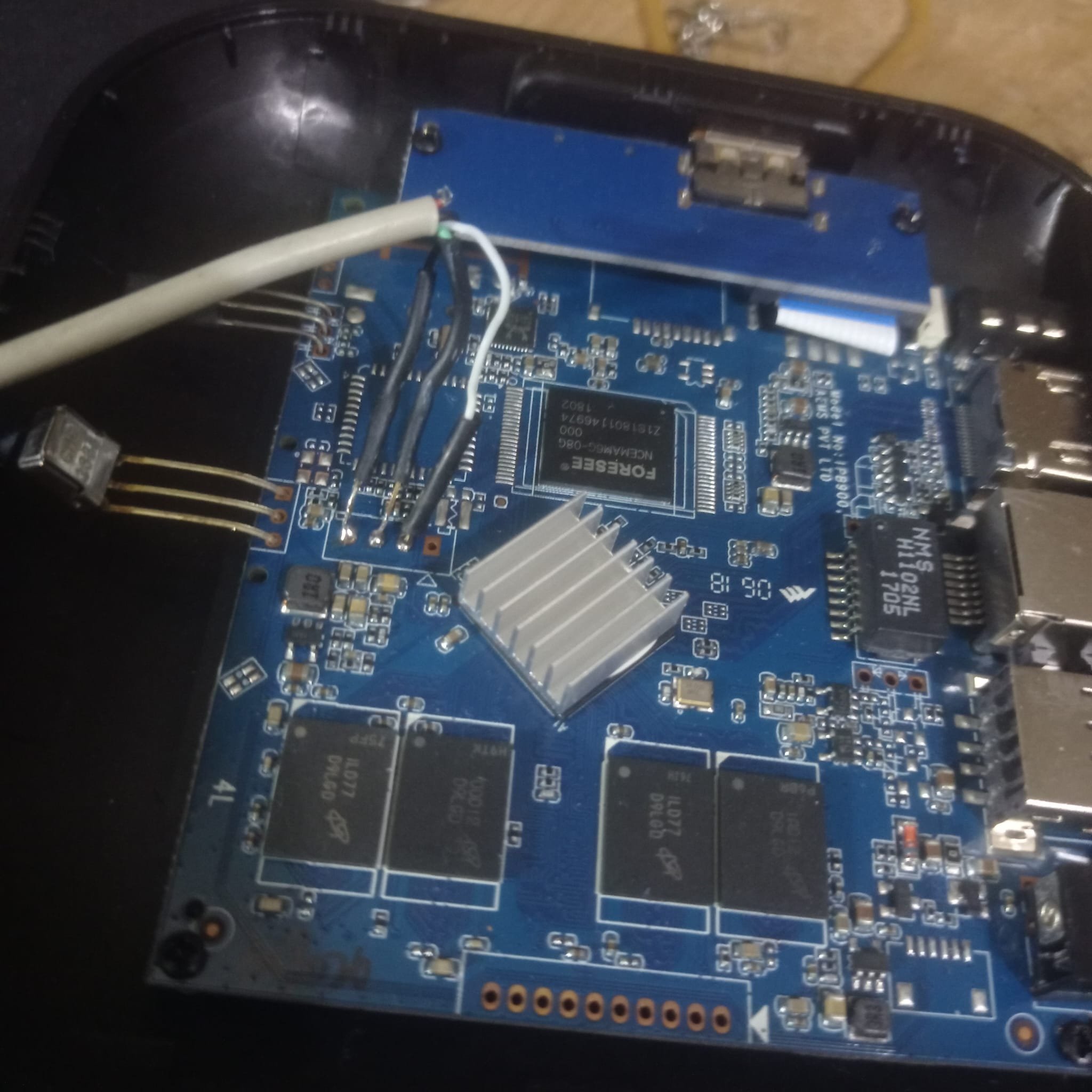
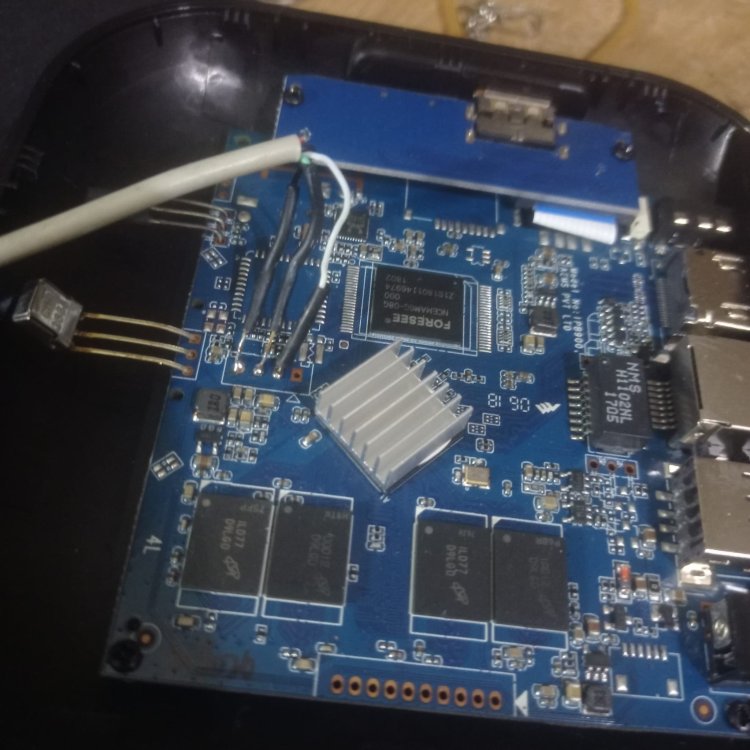
Thanks for sharing your updates, any idea about the function of the 8 pin holes close the lcd display?