Active threads
Showing topics posted in for the last 365 days.
- Past hour
-
 Hi all, After a recent update bumped the current kernel to the 6.18 series, the rear 3.5mm jack on my NanoPC-T6 LTS stopped playing any sound. I'm connecting it to an external amplifier that worked fine before the update. What I see on 6.18 (6.18.35-current-rockchip64): The audio card (rt5616) still shows up in aplay -l and playback commands run without errors, but no sound comes out. Volume levels and mute aren't the issue — I checked those. What fixed it: downgrading via armbian-config to linux-image-current-rockchip64=25.11.2 (kernel 6.12.58). With 6.12 the audio works perfectly again. So 6.12 works and 6.18 doesn't, at least on my board. Is anyone else seeing this on a T6 / T6 LTS with the 6.18 current kernel? Happy to share any logs or run commands if it helps to narrow it down. Thanks!
 - Today
-
 Thank you for moving my post to the appropriate section. I apologize for posting in the wrong area initially. To reiterate my question for this General forum: I have a Skyworth TV box with a Realtek RTD1325. I am looking for any guidance on whether it is possible to run Armbian on this hardware, even experimentally. Has anyone here worked with similar Realtek-based devices, or could someone point me toward resources for building a custom image for the RTD13xx family? I understand this is outside the usual supported hardware, but any advice would be greatly appreciated. Thank you.
 -

Helios64 - Armbian Trixie with linux 6.18 (incl. opp-microvolt patch)
BipBip1981 replied to ebin-dev's topic in Rockchip
Hi SymbiosisSystems, Same problem like you with kernel 6.18.35 and 6.18.37, all it's Okok with 6.18.10 like I said in this post: -

Searching for testpoint for the MX10-L TVstick
Werner replied to benabed brahim's topic in Rockchip CPU Boxes
moved -

Teclast T60 AI rooting + armbian possibility Allwinner A733
dodeval replied to Taz's topic in Allwinner CPU Boxes
Hi Taz! I am trying to replicate your success with booting Debian Trixie on the Teclast T60AI tablet using the Radxa OS vendor kernel (6.6.98-vendor-sun60iw2 from the Radxa-cubie-a7z-v0.6.4 build). I am very close, but I've hit a dead end with a kernel panic on the very last stage of the boot process. I would really appreciate your advice on how you bypassed this. [ 10.852267] EXT4-fs (sda28): mounted filesystem ... [ 10.866540] VFS: Mounted root (ext4 filesystem) readonly on device 259:12. [ 10.875759] devtmpfs: mounted [ 10.881784] Freeing unused kernel memory: 1920K [ 10.887909] Run /sbin/init as init process [ 16.097167] request_module: modprobe binfmt-0000 cannot be processed, kmod busy with 50 threads for more than 5 seconds now [ 16.102268] Kernel panic - not syncing: Requested init /sbin/init failed (error -8). - Yesterday
-
My fix for what I was trying accomplish, which was to run Armbian Debian with vendor kernel with nvme boot, was to install the mainline kernel change the kernel with Armbian-config and then reinstall with option 2 'Boot from MTD; system on nvme'. Installing with this option to begin with instead of trying to flash the boot loader on MTD after the fact may have been the better choice.
-
for that price and feature set the odroid c4/c5 and the orange pi 5 (or 5b with onboard emmc) are the usual sweet spot. if you want zigbee i'd lean toward a board with proper usb (not just the otg ports some of the cheaper ones have) so your zigbee stick gets a clean port and a decent antenna position. one thing worth saying upfront from experience: skip the sd card for anything thats writing 24/7 like home assistant's database or pihole logs, you already know this but emmc or a small ssd over usb3 will save you a ton of corruption headaches down the line. and budget a few euro for a heatsink, the rk3588 boards in particular will thermal throttle in a closed case without one. for the support angle werner's spot on, sticking to standard/platinum boards on the download page means kernel updates keep coming and you're not chasing a dead community image in a year. raspberry pi 4/5 is the boring-but-safe option if you can stretch the budget, just because the software ecosystem assumes it exists. on the software side, since youre running pihole + HA + zigbee you'll basically be living in docker, which armbian-config can set up for you. if you ever want the rest of the self-host stack (nextcloud, file sync, vpn back in) without hand-rolling reverse proxy and certs, full disclosure im involved in an open source project called syncloud thats basically a thin layer that does one-click app installs and handles https/auth/updates for you on arm boards. its not for everyone, if you enjoy wiring up nginx and docker-compose yourself you'll probably find it too hands-off, but for a set-and-forget home box it takes the fiddly parts off your plate. either way the boards above will serve you well.
-
Hi, thank, I forget this method. new result... same with 6.18.37: With 6.18.10-current-rockchip64 and rk3399-kobol-helios64.dtb-6.18.18-opp dtb file, Ok With 6.18.37-current-rockchip64 and overlay helios64 patch with armbian-config, Ko With 6.18.37-current-rockchip64 and k3399-kobol-helios64.dtb-6.18.18-opp dtb file, Ko more information: On "Cold Boot": System blink red After "Reset": Same crash like without DTB file patch on previous Kernel like 6.18.10... I try edge with 7.1 kernel but not compile, finish with error during process. Back to 6.18.10 with dtb file patch and freeze with this stable config and kernel for this time, I don't have time to investigate more at this time. Have a nice day
-
Thank you very much. Thanks to your detailed guide—as well as the one by "Chiều Nhạt Nắng"—I successfully installed Armbian on my TV box. I had struggled for a long time previously, following outdated instructions without fully understanding them; I kept unplugging and replugging the power cable, which ended up damaging the power IC (so now I have to use the USB port for power). However, thanks to your specific guidance (user 0757), I followed the steps and finally succeeded. Thank you!
.thumb.JPG.05ddb51c0d29f118a52c779675eb8905.JPG)
-
Honestly, I've already forgotten what the problem was there. Most likely, I used the Armbian installer and specified where to install the distribution in the automatic image download mode. Before that, I had tried writing it manually. Besides that, I found an important nuance — if you install software through armbian-config, for example GNOME and Chromium, the Plymouth splash screen will be automatically configured at boot, and hardware video decoding will be enabled in the browser, which for some reason does not get enabled when installing manually.
-
moved to off-topic neither a supported device nor about Armbian.
-
Totally agree, too little or niche market! I 'm thinking about soldering simcard directly on these cheap minipci lte modem and use a regular usb2.0 cable, what a joke!
-

How to install correct linux-headers?
ErinBong replied to Stanislav Chizhik's topic in Software, Applications, Userspace
One thing that helped me in a similar situation was checking that the running kernel version matched the headers exactly with uname -r. A mismatch there can be really confusing. If you've recently upgraded the kernel, a reboot before installing the headers is worth trying too. -
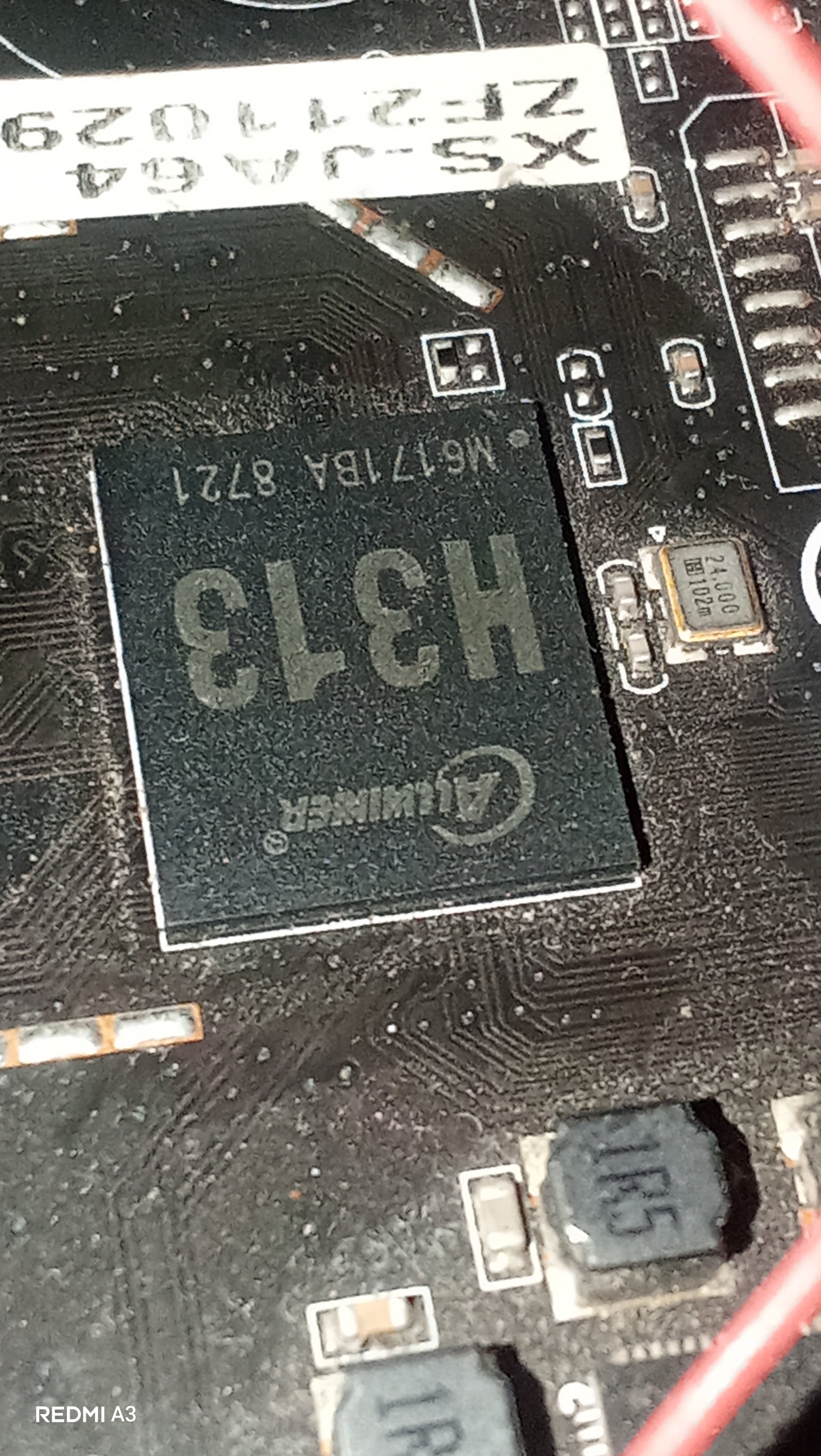
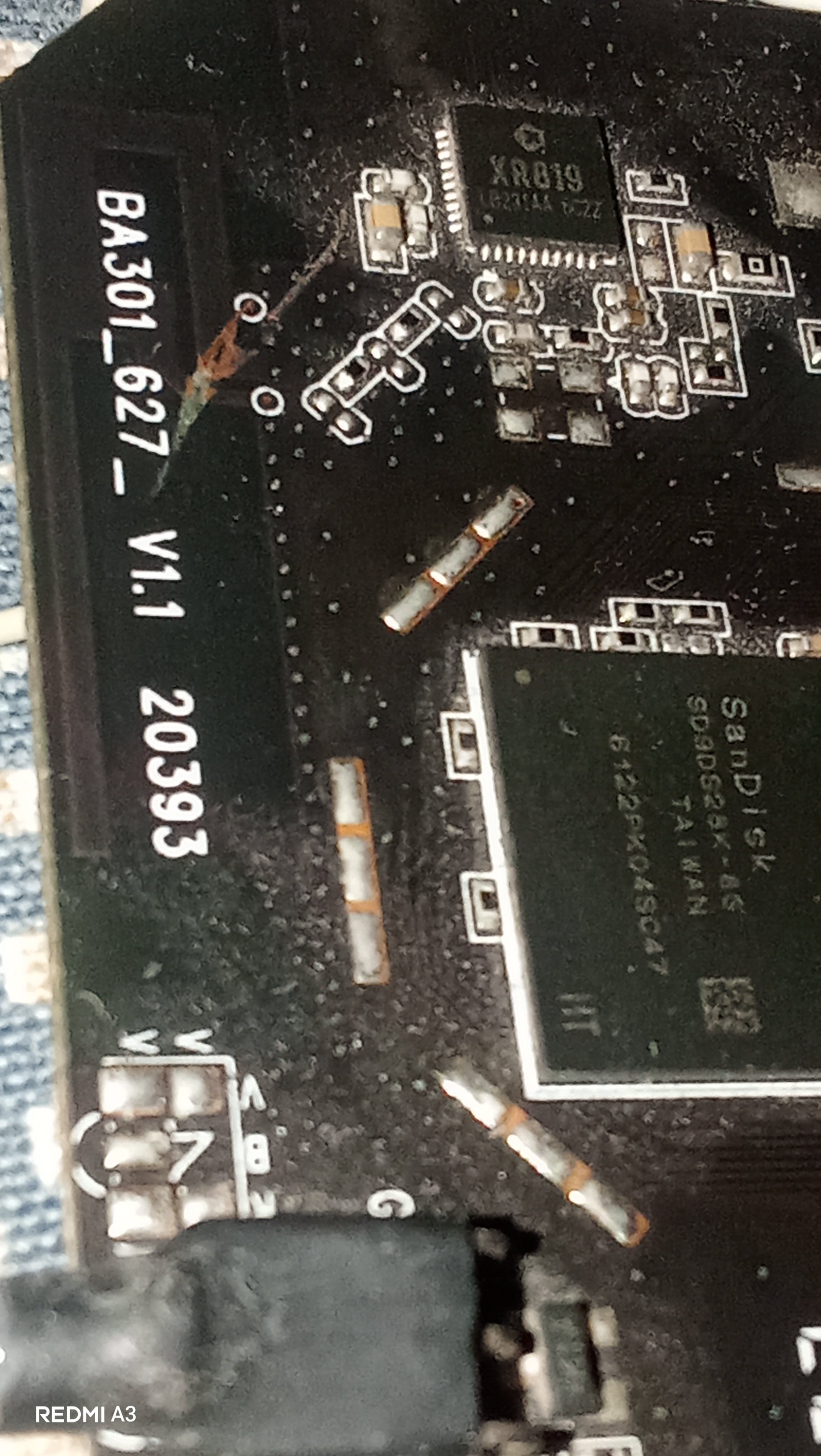
Hey guys, I just wanted some help from you regarding my X96Q. It is a 1+8GB Model with PCB Revision V1.1. It has a H313 processor but sunxi-fel reports H616. A few weeks ago I repaired the USB port of this box and I was successful in it and everything worked perfectly after that(the device booted up to android and worked perfectly) but Then I started to play with that Hidden button in AV port and I randomly clicked it and I thought it would be harmless but after that the device stuck in Red LED and didn't booted anything(possibly an EMMC Corruption). I tried Phoneix Suit first but it stuck on ram init. Then I brought a CP2102 Adapter to read the serial logs, and it turned out to be a Dram calibration errors where: Boot0 starts > Initializes The Emmc, the Board and the CPU -> Then the PMU(reported as AXP806 but physically AXP305) sets ram voltage to 1500mV -> Then it tries to Dram training -> fails and throws [...] "Read calibration error" multiple times —> keeps retrying until it gives up with "[...] Restraining final error." I investigated further and found that my emmc chip's critical sectors are corrupted. I used sunxi-fel to read the emmc and found that it fails to read after 16MB mark, means emmc got corrupted when I repeatedly pressed the AV port button. Now I tried a Armbian via sd card and it says: [...] Your Current DRAM Config isnt supported... Retrying... And keeps doing In a endless retry loop. Same for Miniarch, Armbian and many other builds... Any idea what's the problem with my box?
-
lsusb? Aic8800 is on USB or PCI in radxa 2f?
-
how do i do that? i just apt-hold marked the packages for the time being.
- Last week
-

Gaming experience with Orange Pi 5 (RK3588) on Armbian
Alex Ling replied to KhanhDTP's topic in Orange Pi 5
@KhanhDTP, I used Mangohud and it showed the GPU did go up to 1GHz in most of the time (though not all the time) and the GPU usage is ~100%. Maybe I need to test more games I did see a ~7% boost for vkmark score to ~4400 -
The one from MR / my previous message
-
So I received my USB-PD trigger board, set it to 15V and it does nothing, the situation is still the same. I also ordered a USB tester to see the voltage and amperage, basically the board never draw more than 3 to 4W With Aarch64 UEFI image with EDK2 on the SPI flash, Linux starts to boot but then fails and I get a black screen
-
I am encountering similar issue in Allwinner-H618 based Kickpi-K2B board. Over the time, the video play stops with frozen frame display. The freeze is caused by the audio clock drifting from the video clock over time — and that drift happens during the video segments. have you (anyone) found the solution for this?
-

SATA hard drives on Odroid-HC4 (OpenMediaVault works!)
BigHeadMode replied to BigHeadMode's topic in Odroid C4
I tried editing /boot/boot.cmd and recompiling. my changes did persist (I saw 'echo' worked) but it doesn't seem like my scsi scan trick worked. interrupting boot and just going straight into the above steps worked. so i think I need to edit boot.cmd to skip all the boot code for hc4 and just 'scan' then 'boot'. https://docs.armbian.com/User-Guide_Advanced-Configuration/ -
 Try this google AI search instead: create overlay on armbian orangepione for Nokia 5110 / PCD8544 LCD You might also need to add to armbianEnv.txt after enabling spi-spidev root@orangepione:~# more /boot/armbianEnv.txt verbosity=1 bootlogo=false console=both disp_mode=1920x1080p60 overlay_prefix=sun8i-h3 rootdev=UUID=f39623a3-f9cf-4fa1-be36-6854d244c378 rootfstype=ext4 overlays=spi-spidev param_spidev_spi_bus=0 usbstoragequirks=0x2537:0x1066:u,0x2537:0x1068:u root@orangepione:~# On successful startup of spi you should have a device: root@orangepione:~# ls /dev/spidev0.0 /dev/spidev0.0 root@orangepione:~#
 -
Use Armbian Imager to create SDcard with curent Release. Connect HDMI Monitor and USB Keyboard. Put Sdcard into sdcard Slot and Power the Box. Follow instruction on Monitor
-
 I ran memtester and found memorie errors, which is probably the cause of the problem I report med earlies. Hopefully this can be solved by changing voltage er timing settings.
 -
Let me know. I had hopes the commiter would provide upstreaming effort proof but nothing there yet.



.JPG.fec77220f9a63c4cc0df11329be1a995.JPG)